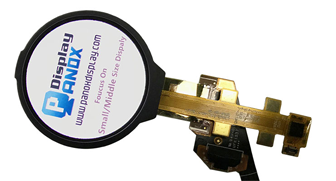




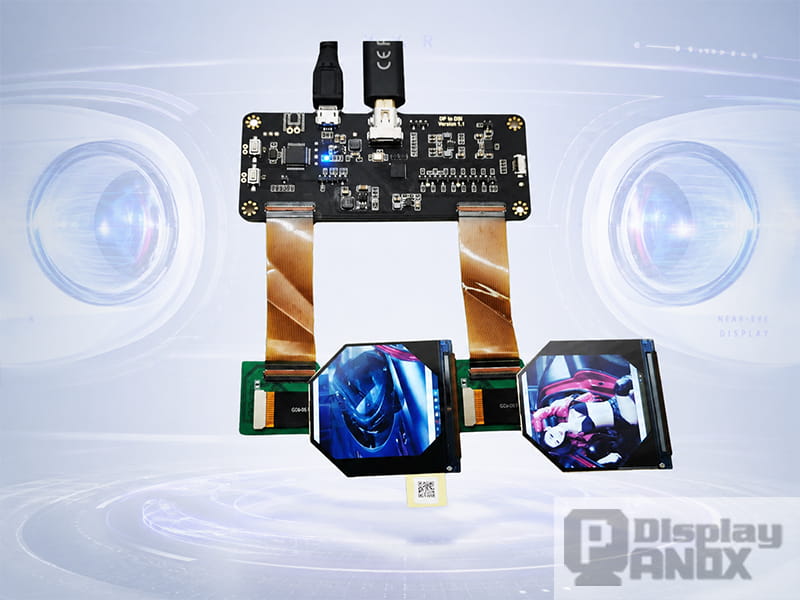
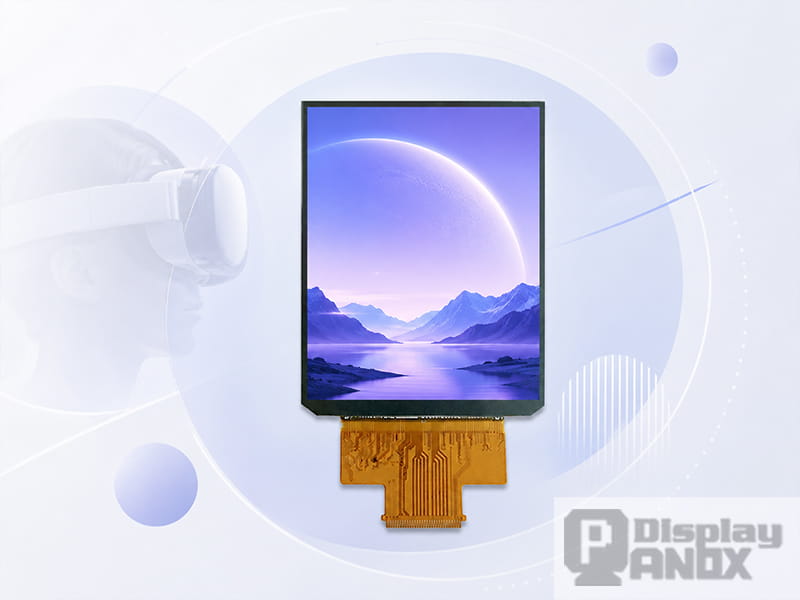
2.1 inch LCD 90 Hz For VR HDMI Board
A VR display panel is the screen placed inside a virtual reality headset to create a close-range, wide-field image for each eye. In a normal monitor or phone, the user looks at the screen from a comfortable viewing distance. In VR, the display is enlarged by lenses and positioned extremely close to the eye, so every pixel, refresh delay, blur trail and brightness difference becomes easier to notice.
That is why choosing a display for VR is more demanding than choosing a general small-size display. A suitable VR panel needs high pixel density, stable refresh rate, fast response, good contrast, proper brightness and an interface that can work with the headset’s driving system. When these factors are well balanced, the image feels clearer, motion looks smoother, and the headset becomes more comfortable for longer use.
1. What Makes a Display “for VR”?
A display for VR is usually designed for head-mounted display systems, near-eye optical modules, VR glasses, training simulators, entertainment headsets or custom optical equipment. The panel may be TFT-LCD, AMOLED or Micro OLED, depending on the final product design.
The key difference is the viewing condition. A VR display is observed through optical lenses, which enlarge the image and spread it across a wide field of view. This optical magnification makes panel-level performance far more visible than on a handheld device. Low resolution may become screen-door effect. Slow response may become motion blur. Insufficient refresh rate may create flicker, judder or discomfort. Uneven brightness may become more obvious after passing through the lens.
For this reason, VR display selection should begin with the visual target of the headset, then move to panel size, resolution, refresh rate, optical compatibility and driving method.
2. Why Resolution Alone Is Not Enough
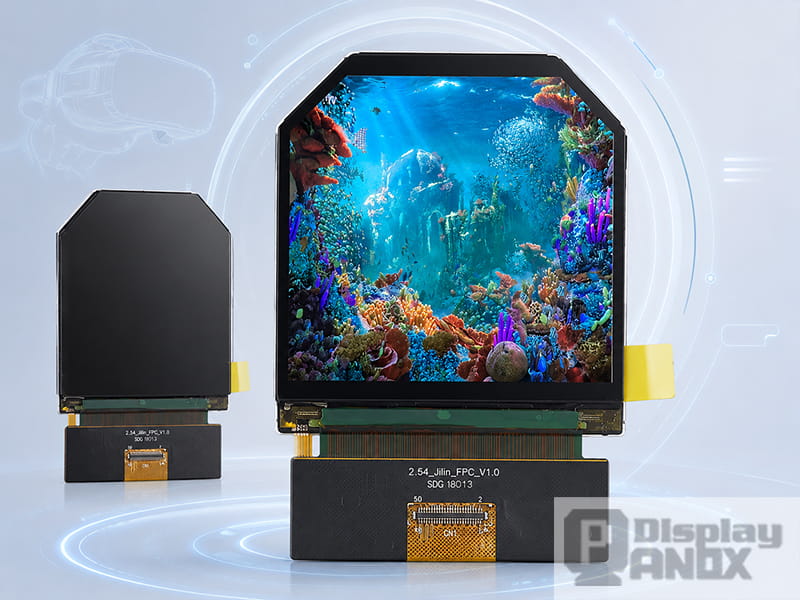
2.54 inch round/circular TFT-LCD For VR
Resolution is important, but VR clarity is better judged by angular resolution, usually discussed as pixels per degree, or PPD. PPD describes how many display pixels are available within one degree of the user’s field of view. A 2160×2160 panel may look extremely sharp in a narrow field of view, while the same resolution may look less sharp when stretched across a wider optical design.
This is why VR engineers often consider resolution, panel size and field of view together. A higher PPI panel gives the optical system more pixel information to work with. It also helps reduce visible pixel grids and improves the readability of fine text, UI icons, instrument data and virtual scene details.
For many VR products, especially professional training, simulation, inspection and medical visualization systems, text clarity matters as much as immersive scenery. A panel with high PPI and a square or near-square active area can be very useful for binocular display architecture because it gives each eye a balanced image area.
3. Refresh Rate and Motion Comfort
Refresh rate is one of the most important specifications for VR. A 60Hz display may be acceptable for many handheld devices, while VR usually needs a higher refresh rate because the image must respond quickly to head movement. Many VR display panels are designed around 90Hz, and some panels reach 120Hz for smoother motion.
Higher refresh rate can help reduce flicker, judder and motion artifacts. It also gives the rendering system more opportunities per second to update the image according to head tracking data. This matters because VR comfort is closely related to how well the visual scene follows the user’s physical movement.
In practical VR development, 90Hz is often treated as a strong baseline for immersive headsets, while 120Hz is preferred for fast motion, gaming, simulation, training and other scenes where rapid visual updates improve comfort.
4. Response Time, Persistence and Motion Blur
Refresh rate tells how often the display updates. Response time tells how quickly pixels change. Both affect motion clarity.
If the pixel response is too slow, the previous image may remain visible for too long, creating blur, ghosting or double-image effects during head movement. In VR, this can feel more serious because the image moves with the user’s field of view. A panel with fast gray-to-gray response, low persistence and stable frame timing is better suited for moving scenes.
OLED and AMOLED panels have natural advantages in pixel response because each pixel emits its own light and can switch quickly. Fast LCD panels can also perform well when they are designed for VR, especially with high refresh rate, optimized driving and suitable backlight control.
5. Brightness, Contrast and Optical Loss
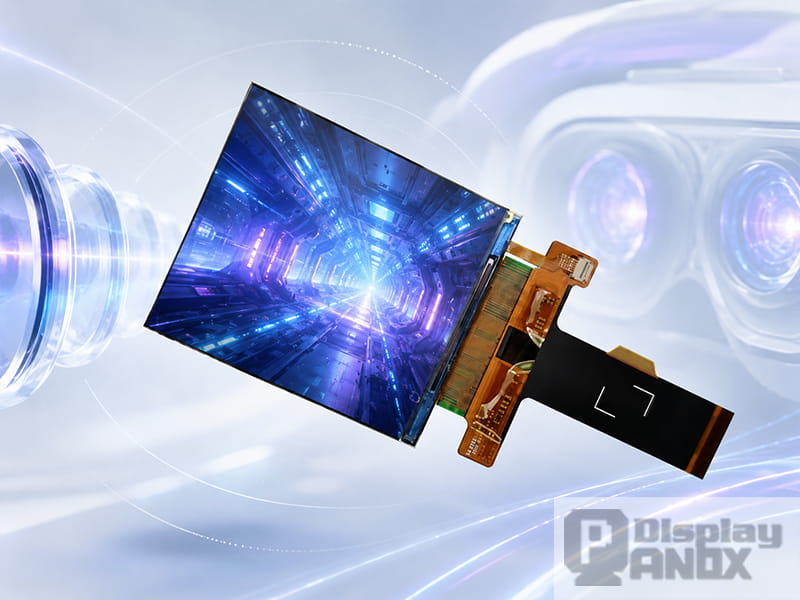
2.9 inch LCD 2K Resolution 90 Hz For VR
Brightness requirements in VR depend on the lens system, panel technology and target application. The display does not reach the eye directly. Light passes through lenses or optical structures, and part of the brightness is lost along the way. A panel that looks bright on the test bench may become less bright inside the final headset.
Contrast is equally important. High contrast improves black level, scene depth and UI separation. AMOLED and Micro OLED panels are strong in contrast because self-emissive pixels can produce deep blacks. TFT-LCD panels may offer stable brightness, mature supply and cost advantages, especially for larger or more conventional VR optical structures.
For industrial VR, training systems and custom optical equipment, the best choice is often the panel that gives the most balanced result after the full optical path is assembled.
6. LCD, AMOLED and Micro OLED for VR
TFT-LCD remains a practical choice for many VR projects. It offers mature manufacturing, stable supply, multiple size options and relatively flexible cost control. High-PPI fast LCD panels can work well in headsets that need reliable performance and easier sourcing.
AMOLED is attractive when the project needs higher contrast, vivid color, thinner structure and faster pixel response. It is especially useful for premium visual experience, darker scenes and headset designs where thickness and weight need to be reduced.
Micro OLED, also known as OLED-on-silicon in many near-eye display discussions, is valuable for compact optical systems. It can achieve extremely high pixel density in a very small panel size, making it suitable for lightweight near-eye devices, compact optical engines and advanced headset prototypes. However, Micro OLED selection should consider optical magnification, brightness demand, driving complexity, cost and availability.
A good VR display decision rarely comes from one specification. The real question is how the panel behaves inside the full system: optics, driver board, mechanical housing, thermal design, software rendering and user comfort all matter.
7. Panox Display Options for VR Projects
Panox Display supplies several LCD and OLED panels suitable for VR and near-eye display development. The following examples can be used as reference directions when selecting a display for VR prototypes or product development.
| Display Type | Size | Resolution | Refresh Rate | Typical Use Direction |
|---|---|---|---|---|
| TFT-LCD | 2.1 inch | 1600×1600 | 90Hz | Compact high-PPI VR / AR HMD development |
| TFT-LCD | 2.9 inch | 1440×1440 | 120Hz | Fast-response VR handheld and near-eye machines |
| TFT-LCD | 2.9 inch | 2160×2160 | 90Hz | High-resolution square VR optical systems |
| TFT-LCD | 3.5 inch | 1440×1600 | 90Hz | Binocular VR headset and display module development |
| AMOLED | 3.5 inch | 1440×1600 | 90Hz | High-contrast VR headset applications |
| TFT-LCD | 5.46 inch | 1920×3664 | 72Hz | High-resolution VR display architecture and optical evaluation |
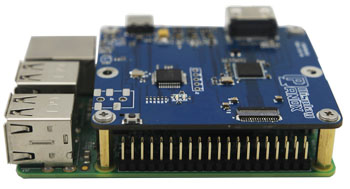
For early-stage development, an HDMI to MIPI controller board can greatly reduce the difficulty of testing. Instead of designing the whole driving circuit from the beginning, engineers can first verify the display image, optical structure, field of view, brightness and mechanical fit. After the visual direction is confirmed, the display can be integrated into a more customized hardware system.
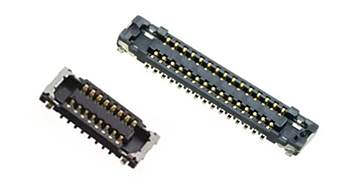
Panox Display can also support related customization needs such as connectors, cover glass, touch panel, driver board and display module development. This is useful for VR projects where the panel itself is only one part of the final optical and electronic system.
8. How to Choose the Right Display for VR
The first step is to define the headset type. A gaming headset, industrial training headset, medical visualization viewer and optical evaluation device may use very different panel strategies.
For immersive consumer-style VR, refresh rate and motion comfort should be prioritized. A 90Hz or 120Hz panel is usually a better starting point than a lower-refresh display. For simulation or professional visualization, resolution and PPD may become more important because users need to read small details clearly. For compact near-eye systems, panel size, pixel density and optical path design become the main constraints.
The second step is to check the optical design. A larger panel may make the optical path easier in some cases, while a smaller high-PPI panel can help create a more compact device. Lens selection, field of view, eyebox and image distortion correction should be considered together with the panel.
The third step is to check driving difficulty. Many VR panels use MIPI interface, which is common in compact display systems but requires proper hardware design. For prototype testing, controller boards and demo kits can help teams evaluate the panel faster.
The fourth step is to evaluate real display performance, rather than relying only on a datasheet. Brightness, color, response, uniformity and viewing angle should be checked through the actual lens system. A display that performs well alone may behave differently after optical magnification.
9. Common Applications of VR Display Panels
VR display panels can be used in many product directions beyond entertainment headsets. They are widely considered for training simulators, flight or vehicle simulation, industrial visualization, remote operation, medical education, digital museums, immersive teaching, optical testing equipment and custom research devices.
In professional systems, the display must support more than visual impact. It needs to show readable information, stable motion and comfortable brightness over repeated use. This is why engineers often choose dedicated VR panels instead of adapting ordinary mobile phone screens.
10. Conclusion
A VR display panel is a core component that directly shapes image clarity, motion comfort and headset performance. When choosing a display for VR, engineers should look beyond resolution and compare PPI, refresh rate, response time, contrast, brightness, interface and optical compatibility together.
Panox Display provides VR LCD and OLED display options for different development directions, from compact high-PPI panels to high-refresh fast LCD and high-contrast AMOLED solutions. For prototype testing, optical evaluation or customized headset development, choosing the right panel early can make the entire VR product path smoother and more reliable.
Learn more: VR Display Panel Applications: Where Display for VR Is Used
FAQ About Display for VR
What is the best display for VR?
The best display for VR depends on the headset design. Fast LCD is practical for many development projects because it offers mature supply and high refresh options. AMOLED is suitable when high contrast, vivid color and fast response are important. Micro OLED is suitable for compact near-eye optical systems that need very high pixel density in a small size.
Is 90Hz enough for VR?
For many VR systems, 90Hz is a strong baseline and is widely used in headset display design. For fast motion, gaming, simulation or premium comfort, 120Hz can provide smoother visual updates.
Why does PPI matter in VR?
PPI matters because VR lenses magnify the display. A low-PPI panel can show visible pixel structure after magnification. Higher PPI helps reduce screen-door effect and improves text clarity.
Is OLED better than LCD for VR?
OLED has advantages in contrast, black level, response time and thin structure. LCD can offer mature supply, stable brightness, high refresh rate options and cost advantages. The better choice depends on the optical system, target price, panel availability and final product requirements.
Can a mobile phone display be used for VR?
Some developers use mobile displays for low-cost experiments, but dedicated VR panels usually provide better balance in size, PPI, refresh rate, response and optical compatibility. For serious product development, a panel designed for VR or near-eye use is usually easier to optimize.