






Small screens have a way of becoming big engineering decisions. At first, a display may look like a simple rectangle on the front of a handheld product. Once development begins, it starts touching almost every part of the device: battery life, enclosure thickness, PCB layout, interface selection, touch performance, sunlight readability, firmware work, and even the user’s confidence in the product.
For a For Handheld display panel project, the screen is usually one of the earliest components that should be confirmed. If the display is selected too late, the product team may need to adjust the processor, redesign the front housing, change the connector position, add a controller board, or rework the touch structure. A well-matched display panel can make the device feel clear, responsive, compact, and reliable. A poorly matched one can quietly create problems that only become obvious after sampling.
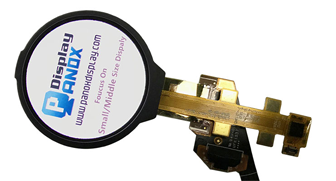
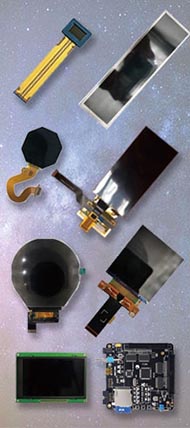
Panox Display’s For Handheld display panel category also reflects this reality. The category introduces handheld displays around practical requirements such as sunlight readability, low consumption, and touch-panel integration, and it includes multiple interface options such as SPI, RGB, MCU, MIPI, LVDS, eDP, and HDMI through product and controller-board support.
This article explains why the right handheld display panel matters before the final PCB, enclosure, and user interface are locked.
The Display Is the User’s First Point of Trust
A handheld device is often judged through its screen before anything else. If the display is dim, reflective, slow, or visually unclear, users may feel that the whole product is less reliable, even when the internal electronics are working correctly.
This is especially important for devices that show measurements, status information, menus, warnings, images, or operating instructions. A user does not think about display stack structure or interface timing. They simply see whether the information is easy to read and whether the product responds as expected.
Readability becomes more difficult when lighting changes. A display that looks sharp in a meeting room may lose contrast near a window, in a vehicle, or outdoors. NIST research on daylight and sunlight display readability describes measurement methods that consider display performance under daylight and sunlight illumination, including conditions related to hand-held display use. Research on handheld display image quality also found that performance can deteriorate as users move into environments with higher ambient illumination, largely because reflections reduce perceived image quality.
This is why brightness alone should not be treated as the whole answer. Luminance helps, but real readability also depends on contrast, reflectance, cover glass, touch layers, optical bonding, viewing angle, and UI color design. For handheld products, the display should be tested as a complete front-panel system, not only as a bare panel on a desk.
The Display Can Shape the Battery Strategy
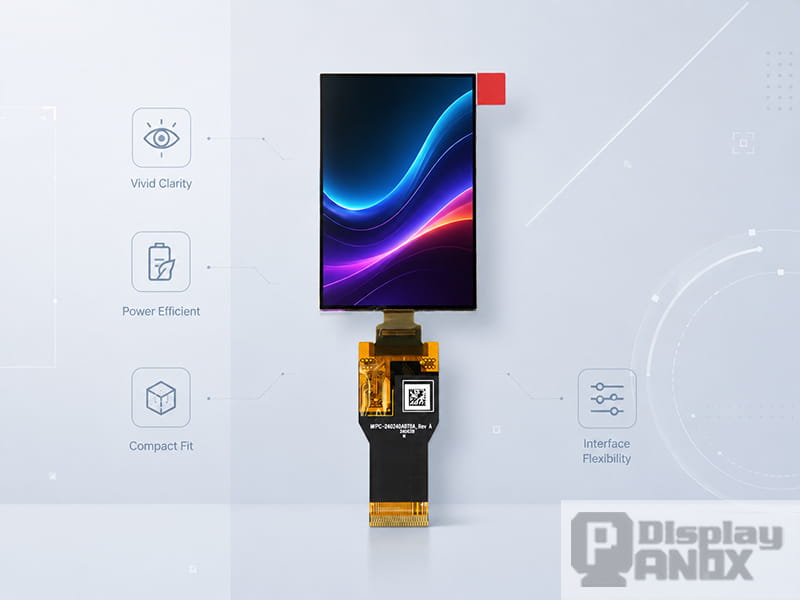
Power is one of the hardest trade-offs in portable electronics. A handheld product may need to remain small, light, and comfortable to hold, while still offering enough operating time for real use. The display is one of the few components that may stay active for long periods, so its power behavior can influence the battery size, thermal design, and charging expectation.
Different display technologies behave differently. LCDs require a backlight to make the image visible, so backlight brightness is closely tied to power consumption. OLED and AMOLED displays are emissive, meaning pixels generate light directly. Their power consumption depends strongly on the displayed content, especially brightness level and color composition. A study on OLED-based mobile devices notes that OLED power consumption is highly dependent on image content, while LCD systems depend heavily on backlight behavior.
A broader review of display technologies focusing on power consumption also found that display type, size, and brightness all affect energy use, and that organic light-emitting displays can perform well in power density for small display sizes.
For product teams, the practical lesson is simple: the display choice should be evaluated together with the actual UI. A dark AMOLED interface, a white-background menu, a high-brightness outdoor mode, and a mostly static status screen can produce very different power results. The right handheld display panel is therefore connected not only to hardware selection, but also to UI design and firmware control.
Interface Choice Can Speed Up or Slow Down Development
A handheld display panel does not work alone. It must communicate with a processor, controller board, or embedded system. If the display interface is not matched to the host platform, the project can quickly run into wiring, timing, driver, or bandwidth problems.
Lower-resolution compact displays may use SPI, MCU, parallel, or RGB interfaces. These can be practical for simple embedded products, compact control panels, or projects where the host MCU has limited display resources. Higher-resolution displays often use MIPI because they need more bandwidth and fewer physical connections than wide parallel buses.
MIPI Alliance describes MIPI DSI as a high-speed serial interface between a host processor and a display module. It is designed for high performance, low power, low EMI, reduced pin count, and compatibility across different vendors.
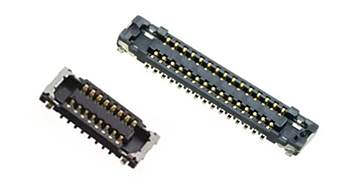
This matters because interface decisions affect the PCB before the display is even turned on. Pin count, connector selection, FPC routing, signal integrity, EMI behavior, firmware initialization, and controller-board support all need to be considered. A display with excellent visual quality can still become difficult to use if the host cannot drive it properly.
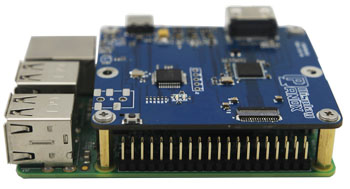
Panox Display’s For Handheld category also notes support for customized controller and driver boards with input options including VGA, HDMI, DVI, DP, Type-C video input, MIPI, RGB, LVDS, and eDP. This can help teams test a display earlier, especially when the final embedded board is still under development.
Touch Integration Changes the Front Structure
For many handheld products, the display is also the main input area. This makes touch integration a structural decision, not just a user-interface feature.
A capacitive touch panel may require cover glass, adhesive, sensor routing, a touch IC, FPC planning, and firmware support. The final front stack can affect thickness, optical clarity, reflectance, impact resistance, and touch sensitivity. If the touch solution is added after the mechanical design is nearly finished, the team may discover that the cover lens is too thick, the FPC exits in the wrong direction, or the border area is too narrow for reliable assembly.
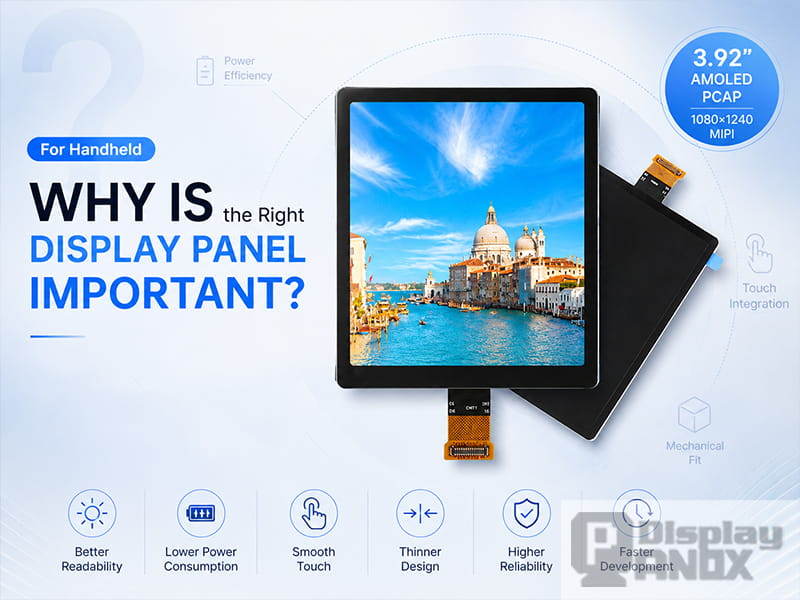
Some AMOLED panels integrate the touch layer more closely. For example, Panox Display’s 3.92-inch AMOLED PCAP display is described as a high-resolution MIPI AM-OLED with an integrated on-cell capacitive touchscreen, 1080 × 1240 resolution, 600 cd/m² luminance, and a thin, low-consumption structure.
This kind of integrated touch structure can be valuable when a handheld product needs a cleaner front panel and a thinner assembly. However, external PCAP touch panels still make sense when the project requires a custom cover lens, special surface treatment, logo printing, or a particular mechanical shape.
The important point is timing. Touch, cover glass, display selection, and enclosure design should move together. Treating them as separate steps often creates avoidable rework.
Mechanical Fit Is More Than Screen Size
Screen size is usually the first specification people notice, but the mechanical design depends on many other details: active area, outline dimensions, thickness, FPC direction, connector location, mounting space, cover glass overlap, and the position of the display driver area.
This is particularly important in handheld devices because internal space is limited. The display must compete with the battery, main PCB, antenna, buttons, speaker, sensors, and housing ribs. A module that looks perfect from the front may become difficult to place if the FPC exits toward the battery, the connector height conflicts with the PCB, or the active area does not align with the front window.
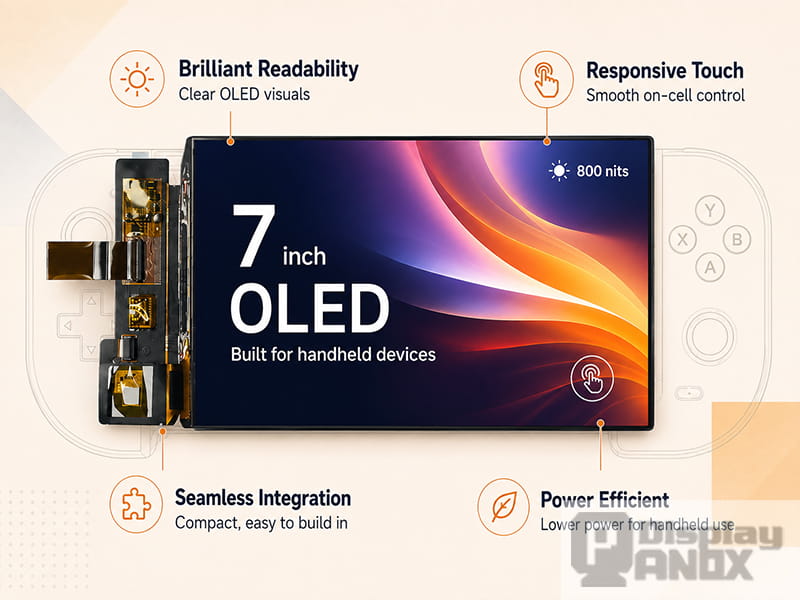
Operating temperature is another part of mechanical and reliability planning. A display used in a portable device may face heat, cold, vibration, or frequent handling. Panox Display’s 2.6-inch AMOLED, for example, is listed with RGB 16-bit, SPI, and MCU interface support, and the page describes wide-temperature operation with low-temperature performance down to -40°C. The 7-inch AMOLED is listed with 1080 × 1920 resolution, 315 PPI, 800 cd/m² luminance, MIPI interface, touch-panel compatibility, and an operating temperature range from -40°C to 70°C.
When a display is selected early, the mechanical team can plan the housing around real module geometry instead of a rough placeholder. That usually makes the prototype cleaner and the production version less painful.
Display Selection Affects Product Positioning
A handheld device with a small TFT-LCD may be designed for stable embedded control and simple operation. A square high-PPI LCD can support a more distinctive interface layout. A high-resolution AMOLED touch display can make a product feel more premium, thinner, and more visually refined. A 7-inch AMOLED gives designers more room for high-resolution content and a stronger visual experience.
These choices affect how the product is perceived. They also affect cost, development complexity, and supply planning. The best display is the one that fits the product’s real priority: simple control, long battery life, high visual quality, touch integration, compact structure, outdoor readability, or fast development.
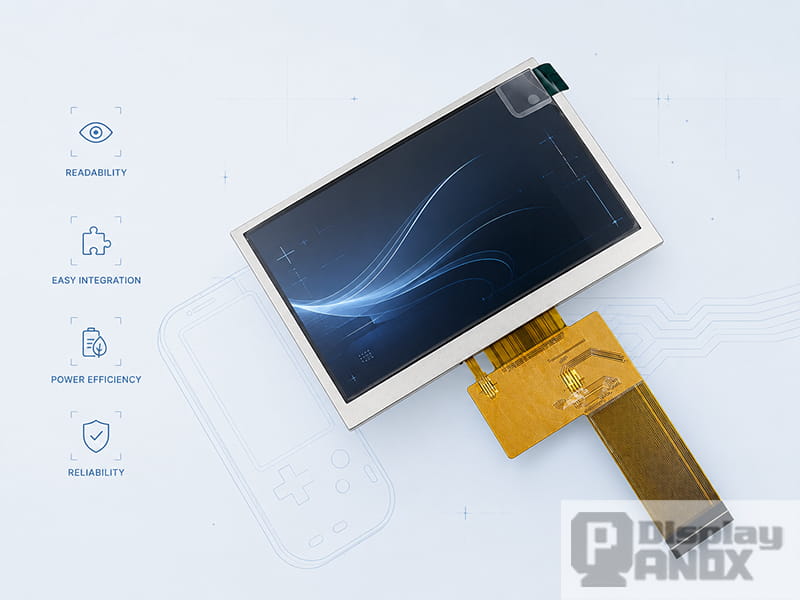
For example, Panox Display’s 3-inch / 3.1-inch square TFT-LCD uses a 720 × 720 resolution, 2-lane MIPI interface, WLED backlight, and 328 PPI, with an HDMI controller board available. This makes it useful when the design needs a compact square screen and a more flexible UI format. The 4.3-inch TFT-LCD is a mature 480 × 272 RGB-interface option with WLED backlight and mass-production status, which can be practical when a project needs a familiar LCD format and straightforward integration.
The decision is partly technical and partly strategic. A display panel can make a handheld product feel basic, industrial, modern, premium, compact, or high-performance. That visual impression begins before the user reads a single line of text.
Panox Display Options for Different Handheld Design Priorities
The following examples show how different display choices can support different handheld design goals. This is not meant to be a full product catalog. It is a practical way to connect display specifications with development priorities.
| Design priority | Panox Display example | Why it matters |
|---|---|---|
| Compact OLED module with simple interface options | 2.6-inch AMOLED, 240 × 320, RGB / SPI / MCU | This direction is useful when a compact handheld product needs vivid color, OLED contrast, and flexible embedded interfaces. Panox lists the 2.6-inch AMOLED with RGB 16-bit, SPI, and MCU interface support, wide-temperature performance, and a compact module structure. |
| Square high-PPI interface layout | 3-inch / 3.1-inch square TFT-LCD, 720 × 720, MIPI | A square display gives the UI more freedom than a conventional narrow rectangle. Panox describes this LCD as a 720 × 720 square TFT with 2-lane MIPI interface, 328 PPI, WLED backlight, and optional HDMI controller board support. |
| High-resolution AMOLED with touch integration | 3.92-inch AMOLED PCAP, 1080 × 1240, MIPI | This option fits projects that need a refined front panel, high pixel density, and integrated capacitive touch. Panox lists it with on-cell capacitive touchscreen integration, 600 cd/m² luminance, vivid image quality, wide angle, thin structure, and low consumption. |
| Mature mid-size LCD integration | 4.3-inch TFT-LCD, 480 × 272, RGB | This is a practical LCD direction when the project needs a familiar 4.3-inch display format, RGB interface, WLED backlight, and mass-production availability. |
| Slim AMOLED visual experience | 4.3-inch AMOLED, 540 × 960, MIPI | Panox describes this AMOLED as more than 50% thinner and lighter than LCD, with high contrast, wide color gamut, and wide-temperature operation down to -40°C. |
| Larger high-resolution handheld screen | 7-inch AMOLED, 1080 × 1920, MIPI | This direction works when a handheld product needs a larger visual area, higher resolution, and a strong AMOLED viewing experience. Panox lists the 7-inch OLED with 315 PPI, 800 cd/m² luminance, 100000:1 contrast ratio, MIPI interface, touch-panel compatibility, and -40°C to 70°C operation. |
The Right Display Makes Testing More Objective
Display evaluation can easily become subjective. One person may prefer higher brightness. Another may focus on color. Another may care most about touch response or viewing angle. To reduce guesswork, the display should be tested with measurable criteria and real use conditions.
The Society for Information Display’s International Committee for Display Metrology is focused on the Information Display Measurements Standard, which includes about 140 display measurements across display technologies. For handheld products, useful evaluation items often include luminance, contrast, color, viewing angle, reflection, uniformity, response behavior, touch function, operating temperature, and power consumption under realistic UI content.
A good sample test should include the final or near-final front stack. Testing a bare panel without the cover glass may hide reflection and touch issues. Testing a bright display only in a dark room may hide outdoor readability problems. Testing the UI on a development board without checking current consumption may hide battery-life problems.
This is where a display supplier’s support can make development smoother. Datasheets, module drawings, connector information, initial code, controller boards, touch-panel support, and cover-glass options all help the team move from “the screen turns on” to “the display works inside the real product.”
What to Check Before Locking a Handheld Display Panel
Before confirming a handheld display panel, the team should review the display as part of the whole device. Size and resolution are only the beginning.
The electrical team should confirm interface type, voltage, connector, driver IC, initialization code, bandwidth, and controller-board needs. The mechanical team should confirm active area, outline size, FPC direction, thickness, cover-glass overlap, and assembly clearance. The product team should review brightness, contrast, touch experience, UI readability, and power behavior. The purchasing team should check sample availability, supply continuity, and whether customization is needed.
For AMOLED projects, UI brightness and content style should be part of the power test because OLED power varies with displayed content. For LCD projects, backlight brightness and dimming strategy should be checked carefully. For touch products, cover glass, bonding, touch IC, and surface treatment should be considered before the enclosure tooling begins.
A display panel is easiest to change on paper. Once the PCB, housing, firmware, and front glass are built around it, every display change becomes more expensive.
Conclusion
Choosing the right handheld display panel is important because the screen influences the whole device, not only the front view. It affects how clearly users read information, how long the battery lasts, how the PCB is routed, how the touch panel is built, how thin the enclosure can be, and how smoothly the project moves from prototype to production.
A For Handheld display panel should be selected with the real product environment in mind. Brightness, contrast, power behavior, interface, touch integration, operating temperature, FPC layout, controller-board support, and supply stability all matter. The earlier these details are confirmed, the easier it becomes to build a compact, reliable, and user-friendly handheld device.
Panox Display supports handheld display projects with compact OLED modules, square TFT-LCD screens, high-resolution AMOLED PCAP touch displays, mature TFT-LCD options, and larger AMOLED panels for advanced portable products. By matching the display technology to the product’s electrical, optical, mechanical, and user-experience requirements, development teams can reduce redesign work and build a handheld product that feels clear, responsive, and ready for real use.
Learn more: What Is a Handheld Display Panel? A Practical LCD and AMOLED Selection Guide
FAQs:
Why is the right handheld display panel important?
The right handheld display panel affects readability, power consumption, interface design, touch performance, mechanical structure, and long-term reliability. In a portable device, the display is closely connected to both the user experience and the internal engineering layout.
Why does sunlight readability matter for handheld displays?
Handheld devices are often used under changing lighting conditions. Strong ambient light can reduce perceived contrast and make screen content harder to read. Real readability depends on brightness, contrast, reflection control, cover glass, touch structure, and UI design.
Why does the display interface matter so much?
The interface determines how the display connects to the processor or controller board. SPI, RGB, MCU, parallel, MIPI, LVDS, and eDP interfaces have different bandwidth, pin count, routing, firmware, and signal-integrity requirements. Choosing the wrong interface can slow down hardware and software development.
Why should touch and cover glass be planned early?
Touch and cover glass affect thickness, optical clarity, reflection, touch sensitivity, FPC routing, and enclosure design. Planning them late may cause mechanical conflicts or require front-housing changes.
Why does OLED power consumption depend on the UI?
OLED pixels emit light directly, so power consumption depends strongly on pixel brightness and image content. A dark interface, a bright white screen, and a colorful image can consume different amounts of power on the same OLED panel.
Why use a controller board during display development?
A controller board can help engineers test display quality, brightness, color, touch behavior, and UI readability before the final embedded board is ready. It reduces early development risk and helps confirm whether the display is suitable for the product.