



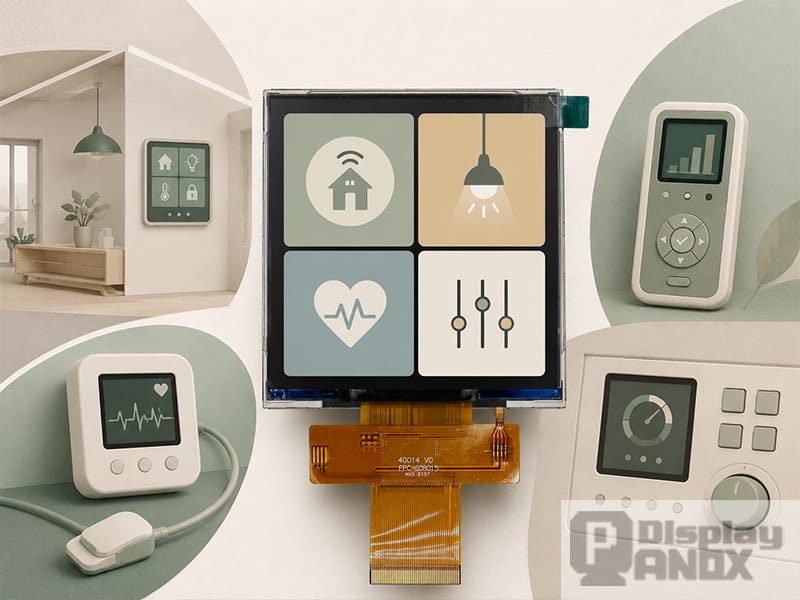
4.0 inch Square LCD Display 480x480 for Smart Home
A square screen is one of the most practical display formats for compact electronic devices. Its 1:1 shape gives the interface equal room in both directions, making it suitable for status dashboards, icon grids, touch controls, sensor values and short information cards. While phones and laptops usually benefit from rectangular screens, many small devices work better when the display area feels balanced, compact and easy to scan.
This is why square display panels are used in smart home control panels, wearable devices, medical equipment, industrial HMI, handheld terminals, VR modules and embedded development projects. These products usually do not need a cinema-like viewing experience. They need clear information, fast recognition and reliable interaction in a limited space.
For engineers and product designers, choosing a square screen is not only a matter of appearance. The right panel must match the application, interface, brightness requirement, mechanical structure, touch design, viewing distance and long-term supply plan.
Smart Home Control Panels
Smart home control is one of the most natural applications for a square screen. A home control panel usually needs to show a small group of important functions: lighting, climate, security, curtains, energy, air quality or device settings. These functions can be arranged cleanly in a 2×2 or 3×3 layout, giving each control enough space to be recognized and touched.
A rectangular display can also show smart home controls, but it often encourages a list-style interface. For wall-mounted control panels, users usually want quick access rather than long scrolling. A square screen makes the interface feel more like a compact dashboard. The main information can sit in the center, while secondary controls stay around it.
A 4.0 inch 480×480 square TFT-LCD is a strong fit for this type of product. The size is large enough for icons and text labels, yet still compact enough for a thermostat-like wall panel or room controller. With high brightness and RGB interface support, it can be used in smart home products where the display needs to remain readable under indoor lighting or near windows.
For smart home applications, the most important selection points are brightness, touch panel design, cover glass appearance, interface compatibility and viewing angle. If the product will be installed on a wall, the screen may be viewed from standing height, sitting height or from the side. A stable viewing experience matters more than simply choosing the highest resolution available.
A square LCD also works well with customized cover glass. The final product can use a rounded-square front lens, black border printing, logo area, anti-glare treatment or optical bonding, depending on the design style of the smart home brand.
Wearable Devices and Smartwatch-Style Interfaces
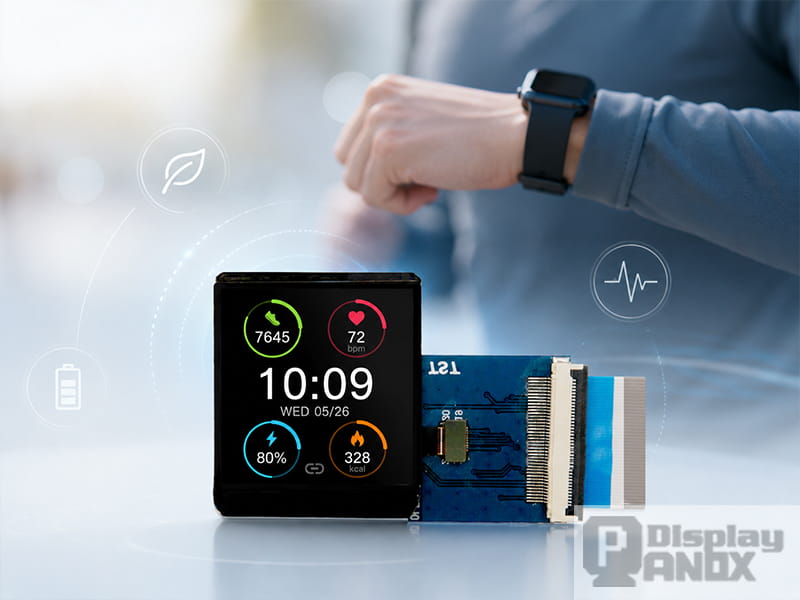
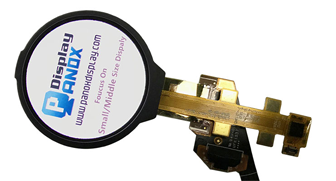
1.63 inch OLED For Wearable Smartwatch
Wearable products need a display that is small, readable and visually efficient. A square screen gives designers a useful canvas for fitness data, heart rate, sleep tracking, weather, notifications and quick settings. Compared with a narrow display, it gives more freedom for icon-based information. Compared with a round display, it usually provides more usable corner space for text and small UI elements.
This is especially useful for smartwatch-style interfaces. Watch faces often behave like small dashboards: they combine time, health data, status icons and activity information in a compact layout. A square display allows these elements to be arranged in cards, rings, corner widgets or centered values without wasting much of the active area.
A 1.63 inch square OLED with 320×320 resolution is a suitable direction for wearable products where contrast, thin structure and premium visual effect are important. OLED technology is especially attractive for dark UI. Black backgrounds can look deep, while colorful icons and numbers remain sharp and bright.
For wearable applications, the design team should think about the screen and UI together. OLED can look excellent with dark themes, limited bright areas and high-contrast icons. A full-white always-on screen may not be ideal for power and lifetime. The display choice should be connected to battery size, expected daily usage, UI brightness, standby mode and charging behavior.
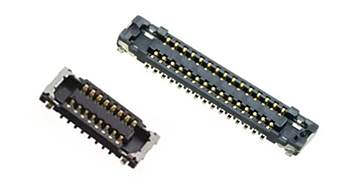
Mechanical design is also important. A wearable device has little space for the display, PCB, battery, sensors, antenna and enclosure. The square active area may look simple from the front, but the FPC direction and module outline can strongly affect the internal structure. Before choosing a square OLED or square LCD for a wearable product, engineers should check the drawing, connector position and assembly path carefully.
Industrial HMI and Equipment Control
Industrial devices often need displays that show status, warning messages, mode selection and operating values. In this environment, the screen must support clear reading and fast decisions. A square screen is useful because it can organize controls and data into a compact, symmetrical layout.
In a small industrial HMI, a square screen can show four major functions, a central status indicator, a simple trend chart or a group of machine parameters. The user does not need a media-style display; the user needs information that is easy to understand at a glance.
Square TFT-LCD panels are commonly suitable for this type of application because they offer stable brightness, mature driving options and good cost control. A 480×480 or 720×720 LCD can display icons, numeric values and charts with enough clarity for compact equipment.
For industrial HMI, product teams should pay attention to operating temperature, backlight lifetime, brightness, cover glass strength, touch reliability and electromagnetic compatibility. A beautiful interface is helpful, but industrial products also need predictable long-term performance.
In many cases, a square display can also make the device front panel easier to design. It leaves balanced space around the screen for buttons, indicators, screws, labels or sealing structures. This can be helpful for test equipment, access control terminals, automation modules, charging devices and small control boxes.
Handheld Devices and Portable Instruments
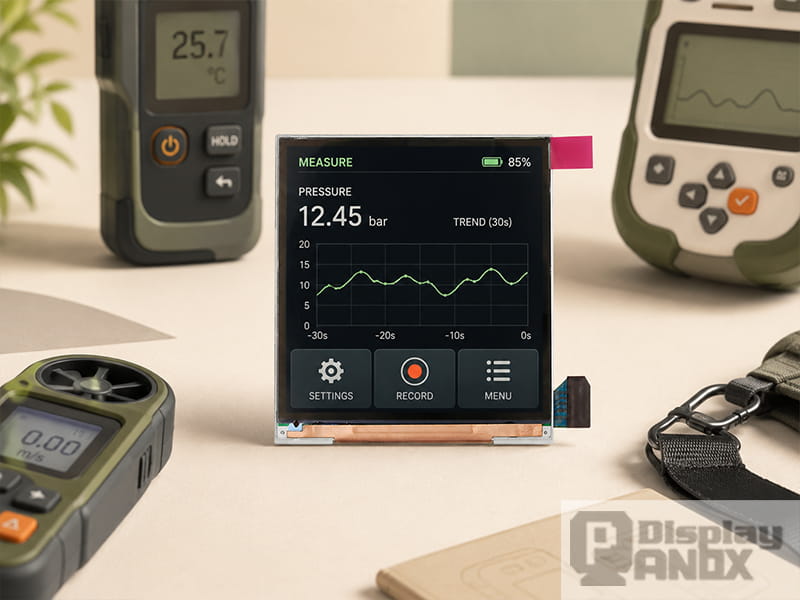
Handheld electronics often sit between consumer design and industrial function. They may need to show menus, values, charts, battery information and connection status while remaining small enough to carry. A square screen can help keep the device compact without making the UI feel cramped.
A 3.1 inch 720×720 TFT-LCD is a good example for this category. The square resolution provides enough pixel space for detailed icons, short text, graph elements and dashboard pages. Compared with a lower-resolution small display, 720×720 gives more freedom for UI design. Compared with a larger rectangular screen, it helps the product stay compact.
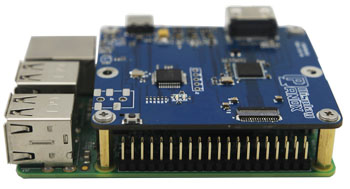
This type of square LCD can be used in handheld controllers, diagnostic tools, portable testing devices, compact gaming products, field instruments and Raspberry Pi-based prototypes. When controller board support is available, engineers can evaluate the screen more quickly during early development. That can shorten the time between UI concept and real hardware testing.
For handheld products, the key questions are practical. Will the user read the screen indoors or outdoors? Will the display be touched with a finger or controlled by buttons? Does the product need a controller board for evaluation? How much space is available for the FPC and connector? Is MIPI, RGB, HDMI or another interface more suitable for the host platform?
A square screen will not solve every design problem by itself, but it can give the product a cleaner structure. The UI can be built around cards, status panels, charts and quick controls instead of being forced into a phone-like layout.
Medical and Healthcare Devices
Medical and healthcare equipment often needs compact displays for clear status reading. A square screen can be used in portable monitors, small diagnostic instruments, treatment devices, smart healthcare terminals and control modules. In these applications, the display may show values such as temperature, oxygen level, pulse, pressure, battery status, operation mode or alarm messages.
The advantage of a square screen is visual hierarchy. A primary value can be placed in the center, while supporting icons and warnings can be arranged around it. This helps the screen stay readable even when the device is small.
For medical-related products, display selection should be handled carefully. Readability, brightness, touch reliability, cleaning requirements, cover glass design and long-term supply are important. If the device is used in professional environments, engineering validation and regulatory requirements may also influence the final display structure.
A 4.0 inch 480×480 LCD can be suitable for healthcare control panels and portable medical equipment where a clear color interface is needed. A smaller OLED may be suitable for wearable health devices that show short data cards and alert information. The final choice depends on the device type, usage environment and product life cycle.
VR and Near-Eye Display Modules
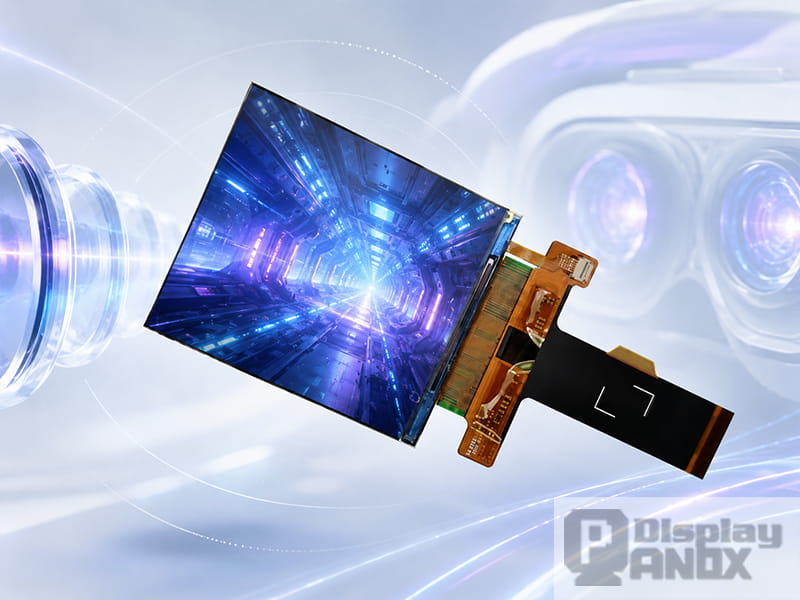
2.9 inch LCD 2K Resolution 90 Hz For VR
Square screens also play an important role in VR and near-eye optical systems. In this category, the display is often magnified by lenses, so pixel density, resolution, refresh rate and response behavior become more critical than the front size alone.
A 2.9 inch 2160×2160 LCD with 90 Hz refresh rate is designed for VR-type applications. Its square 2K pixel matrix provides a balanced resolution in both horizontal and vertical directions, which can be useful for optical alignment and image mapping. In a near-eye system, the display must work with lenses, mechanical spacing, thermal design and signal bandwidth.
The requirements for VR displays are very different from those for smart home or industrial HMI. A smart home panel may prioritize brightness, touch and cover glass design. A VR display must focus on pixel density, refresh rate, response time, MIPI bandwidth, color performance, optical compatibility and panel uniformity.
MIPI interface support is often important in this area because high-resolution compact displays need high-speed data transmission with limited connector space. The display panel, driver IC, host processor and optical engine must be considered as one system.
For VR and near-eye applications, engineers should not choose a screen based only on diagonal size. A small difference in active area, PPI, refresh rate or FPC position can have a major impact on the optical module.
Embedded Development and Evaluation Projects
Square screens are also useful in development kits and embedded projects. Engineers often need a compact display for UI testing, device dashboards, camera monitors, instrument panels or interactive prototypes. A square display can make these early prototypes look closer to a final product, especially when the interface uses icons and data cards.
For embedded development, the biggest challenge is usually not the screen shape. It is driving the panel correctly. MIPI displays may require initialization code, lane configuration, power sequence and driver support. RGB displays may require more signal lines and careful timing. HDMI controller boards can make evaluation easier when the host is a PC, Raspberry Pi or media platform.
A 3.1 inch 720×720 square LCD with HDMI controller board support can be valuable here because it allows faster validation. Teams can test UI layout, brightness, viewing distance and visual style before committing to a custom PCB design.
This is especially useful for startups, industrial device makers and product teams that need to move from concept to working prototype quickly. Once the display direction is confirmed, the project can move toward a more integrated MIPI or RGB solution for production.
Gaming, Controllers and Custom Consumer Electronics
Square screens can also be used in compact gaming devices, controllers, audio equipment, camera accessories and custom consumer electronics. These products often need a display that feels more expressive than a small text screen, while still fitting into limited front-panel space.
A square display can show menus, icons, album art, game status, shortcut controls, device mode or animation. Because the shape is balanced, the interface can feel more designed and less like a cropped mobile screen.
For these products, visual style matters. OLED can provide strong contrast and a premium dark interface. TFT-LCD can offer good brightness, stable cost and broader design flexibility. The right choice depends on the product identity, expected brightness, power budget and production volume.
A square screen is especially useful when the display becomes part of the product’s personality. A compact controller, music device or smart accessory can use a square UI as a visual signature.
Retail, Kiosk and Small Information Terminals
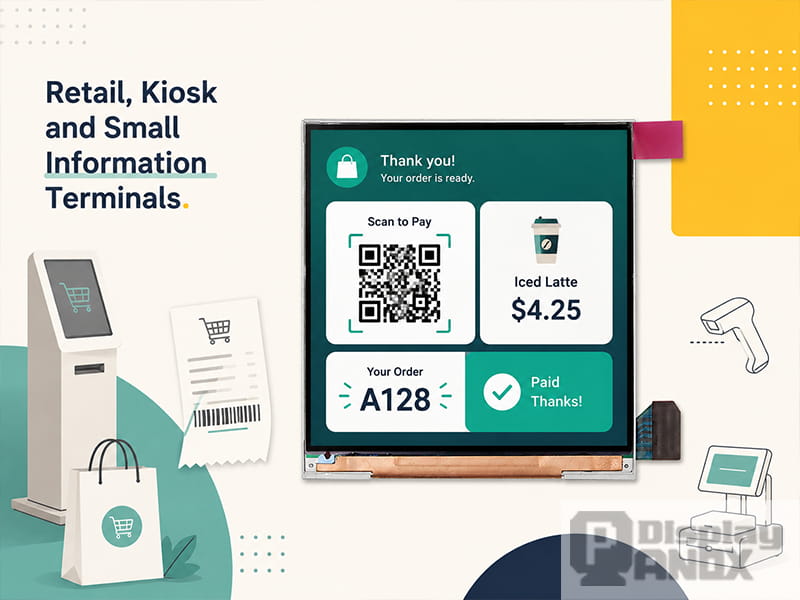
Square display panels can also appear in retail devices, queue systems, small kiosks, shelf displays and payment-related terminals. These products often show short messages, QR codes, price information, prompts, status icons or brand content.
A square display is useful for QR codes because the code itself is square. It also works well for centered logos, simple instructions and confirmation screens. When a customer only needs to scan, tap or confirm something, a square screen can make the interaction feel direct.
For retail environments, brightness, viewing angle, glass protection and mounting structure are important. If the screen is used near strong lighting, surface reflection and cover glass treatment should be considered early.
A compact square LCD can be a practical choice for these applications because it can be integrated into a small terminal without requiring a wide front panel.
How Different Square Screen Applications Lead to Different Specifications
The application decides the specification. A square screen used in a smartwatch and a square screen used in VR may share the same 1:1 format, but their engineering priorities are completely different.
For smart home panels, a 480×480 LCD with good brightness and touch customization can be more useful than an extremely high-PPI display. For wearables, contrast, module thickness and power behavior may matter more. For handheld instruments, resolution, controller board support and interface compatibility become important. For VR modules, high PPI, refresh rate and optical matching are critical.
This is why square display selection should begin with the final product scenario. The diagonal size is only the first clue. The real decision comes from the relationship between display technology, interface, mechanical design and user experience.
Choosing Between Square LCD and Square OLED by Application
Square LCD panels are often suitable for smart home control, industrial HMI, handheld devices, medical equipment and retail terminals. They offer mature supply, stable brightness options and familiar embedded interfaces. LCD is also practical when the screen may show bright UI for long periods.
Square OLED panels are often suitable for wearables, premium compact devices and products with dark UI. OLED provides excellent contrast and a thin visual appearance. It can make icons, data cards and black-background interfaces look refined.
For VR and near-eye display, the decision depends less on LCD versus OLED as a general category and more on specific parameters such as resolution, PPI, refresh rate, response time, luminance, optical compatibility and interface bandwidth.
A good display choice should match the use case first, then the technology.
PanoxDisplay Square Screen Options for Different Applications
PanoxDisplay provides square LCD and OLED display options for different product directions. For wearable-style devices, a 1.63 inch 320×320 square OLED can support compact dashboard UI and high-contrast visual design. For smart home and control panels, a 4.0 inch 480×480 square TFT-LCD offers a practical screen size for icon-based interfaces. For handheld and embedded products, a 3.1 inch 720×720 TFT-LCD provides a higher-resolution square format with MIPI and controller board support. For VR and near-eye systems, a 2.9 inch 2160×2160 90 Hz TFT-LCD supports high-PPI optical applications.
These examples show how one display shape can serve very different industries. The square format gives the screen a balanced canvas, while the actual panel technology and specification define where it works best.
PanoxDisplay can also support display evaluation, controller board discussion, connector matching, customized cover glass, capacitive touch panel development and optical bonding according to project requirements. For square display projects, these customization details are often as important as the display itself because the panel must fit tightly into the final product structure.
Application-Based Selection Guide
For smart home products, choose a square screen that supports clear icons, reliable touch operation, stable brightness and a clean cover glass design. A 4.0 inch 480×480 TFT-LCD is a practical starting point.
For wearable devices, consider a compact square OLED if the product needs dark UI, high contrast and a premium visual effect. Pay attention to power behavior, lifetime and FPC direction.
For handheld instruments, a higher-resolution square LCD can help display charts, values and icons clearly. Controller board support can make development faster.
For industrial HMI, prioritize brightness, viewing angle, operating temperature, touch reliability and supply stability.
For medical and healthcare devices, readability and long-term reliability are essential. Cover glass, cleaning environment and regulatory needs should be discussed early.
For VR and near-eye display, focus on PPI, refresh rate, response time, MIPI bandwidth and optical matching.
Conclusion
Square screens are used across many industries because they solve a real layout problem in compact devices. They give designers a balanced space for icons, values, dashboards and controls. They give engineers a display format that can fit naturally into small housings. They also allow product teams to create interfaces that feel organized, readable and purpose-built.
From wearable OLED displays to smart home LCD panels, from handheld instruments to VR modules, the value of a square screen depends on how well the panel matches the application. A square display should be selected with the whole product in mind: user interface, mechanical design, interface, brightness, touch structure, operating environment and production plan.
When the application needs compact information display and fast interaction, a square screen can be one of the most effective display choices.
Learn more: Why Is a Square Screen Useful for Compact Devices?
FAQ
What are the main applications of square screens?
Square screens are used in smart home control panels, wearable devices, industrial HMI, handheld instruments, medical equipment, VR modules, retail terminals and embedded development projects.
Why are square screens good for smart home panels?
A square screen supports icon grids, centered temperature values and quick control layouts. This makes it suitable for lighting, climate, security and energy control interfaces.
Are square OLED displays suitable for wearables?
Yes. Square OLED displays are suitable for wearable products that need high contrast, dark UI, compact size and a premium visual effect.
Can square LCD screens be used in industrial devices?
Yes. Square TFT-LCD panels are practical for industrial HMI, equipment controls, test instruments and automation modules, especially when brightness, stability and cost control are important.
Why are square screens used in VR?
Square high-resolution screens can provide balanced pixel counts in both directions, which is useful for near-eye optical systems. VR applications also require high PPI, refresh rate, response performance and strong interface bandwidth.
What is the best square screen size for embedded projects?
There is no single best size. A 1.63 inch OLED may fit wearables, a 3.1 inch 720×720 LCD may suit handheld or development projects, a 4.0 inch 480×480 LCD may suit smart home panels, and a 2.9 inch 2160×2160 LCD may suit VR modules.