



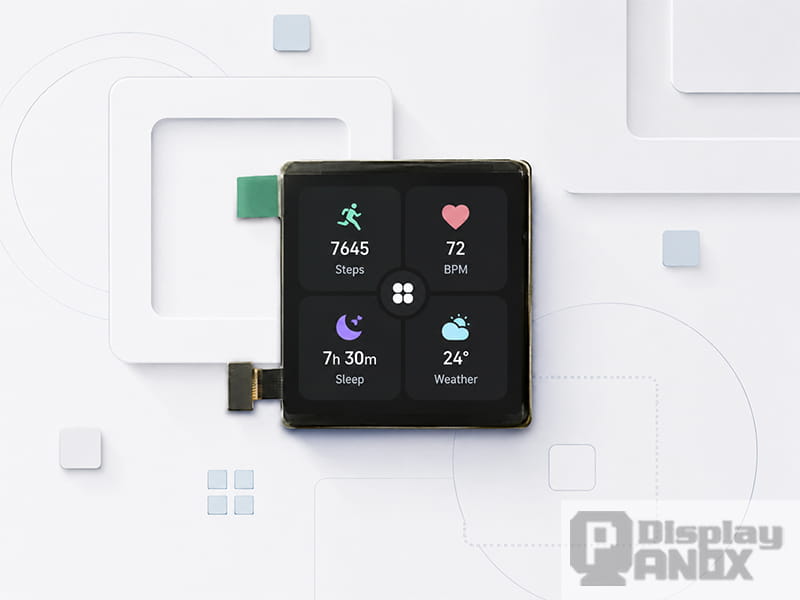
1.63 inch OLED For Wearable Smartwatch
A square screen looks simple, almost neutral. It does not have the cinematic width of a phone display, and it does not carry the traditional watch-like character of a round screen. Yet in many compact products, that neutral shape becomes its real strength.
For smart home panels, wearable devices, handheld terminals, industrial controls and embedded systems, the display is rarely used for long video playback. It is more often used to show status, values, icons, warnings, menus and quick controls. A square screen gives these elements a balanced space to live in. It helps the interface stay readable, the housing stay compact, and the product feel more intentional.
That is why square display panels continue to appear in modern product design, especially when a device needs a clean front face, a short viewing distance and a dashboard-style user interface.
A Square Screen Makes Small Interfaces Easier to Organize
Small displays have one constant problem: every pixel has to work hard.
On a long rectangular screen, the interface naturally pushes users into a top-to-bottom flow. That can work well for lists, messages and scrolling pages. In compact devices, however, the main interaction is often much shorter. A user wants to check a value, change a mode, confirm a status or tap one control. In this type of interface, a square screen often feels more efficient because it gives similar space in both directions.
A 1:1 display area is well suited to simple grids, centered values, circular gauges and card-based layouts. Four icons can sit naturally in a 2×2 structure. A temperature value can stay in the center while secondary indicators sit around it. A status ring, progress chart or energy meter can be displayed without feeling squeezed by the screen shape.
This is one reason square screens are common in smart home controllers and wearable devices. The format gives designers enough room for both information and touch targets, without making the device unnecessarily wide or tall.
It Supports Dashboard-Style Information at a Glance
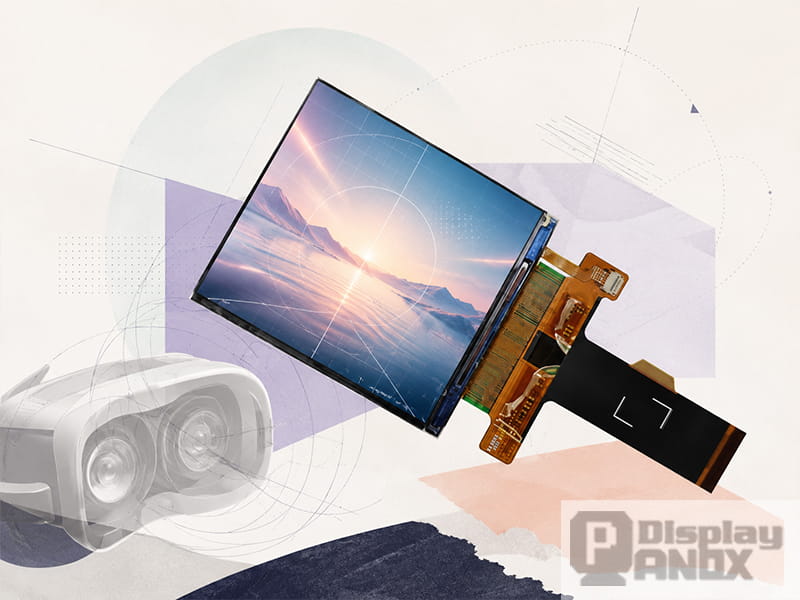
2.9 inch LCD 2K Resolution 90 Hz For VR
Many compact screens are closer to dashboards than media displays. A smartwatch face, a smart thermostat, a compact industrial meter and a handheld diagnostic tool all share the same basic requirement: the user should understand the screen quickly.
Research on smartwatch visualization describes watch faces as small data dashboards. That idea applies beyond watches. A square screen can show a few important data points in a structured way, such as time, temperature, connection status, battery level, sensor readings or system mode.
For this kind of interface, the goal is not to fill the screen with as much information as possible. The goal is to make the most important information clear at a glance. A square screen helps because it supports visual balance. The designer can place the main value in the center and use the surrounding space for supporting details.
This makes the format especially useful for:
smart home control panels, where lighting, climate, security and energy controls often need equal visual weight;
wearable devices, where short labels, icons and activity data must remain readable on a small surface;
industrial HMI, where operators need fast recognition of status, alarm and control states;
portable instruments, where the screen may show a small number of important readings rather than a full software interface.
The square format gives the UI a calm structure. That sounds like a design detail, but in real products it can affect how quickly users understand the device.
Square Screens Fit Compact Product Housings Well
Mechanical design is another important reason to choose a square screen.
A product enclosure is usually shaped by the battery, PCB, connector, buttons, sensors, mounting structure and cover glass. A very wide screen can force the product to become wider than necessary. A tall narrow screen can create awkward unused space around the PCB or battery. A square display often fits more naturally into compact housings because its width and height are balanced.
This is useful in wall-mounted control panels, access control terminals, handheld devices and small instruments. A square screen can sit in the center of the front housing, leaving predictable space around it for screws, bonding area, bezels, cover glass borders or capacitive touch routing.
The active area and module outline still need to be checked carefully. A square display panel may have a square active area, while the full module includes an FPC, driver IC area, backlight structure or connector margin. Good product design should always start from the mechanical drawing rather than the front-view image alone.
Even so, the square active area gives industrial designers a stable visual anchor. It makes the front of the product feel organized, especially when the display is the main interaction point.
It Gives UI Designers More Freedom Than a Narrow Display
A compact rectangular screen can be useful, but it often pushes the interface into a single direction. A square screen is more flexible. It can support icon grids, center-aligned dashboards, circular controls, split cards, short text labels and simple charts without forcing one layout style.
This matters because many embedded interfaces are custom-designed. They are not simply mobile apps scaled down onto a smaller panel. A smart home control panel may need large icon buttons. A portable test device may need a graph and a numeric value on the same screen. A wearable product may need a watch-style home screen, a workout screen and a notification screen.
A square screen can handle these different layouts with less visual compromise. It also makes rotation easier in many cases, since the interface does not strongly depend on landscape or portrait orientation.
The result is a product UI that feels designed for the hardware, rather than squeezed into it.
Square LCD Screens Are Practical for Smart Home and HMI Products
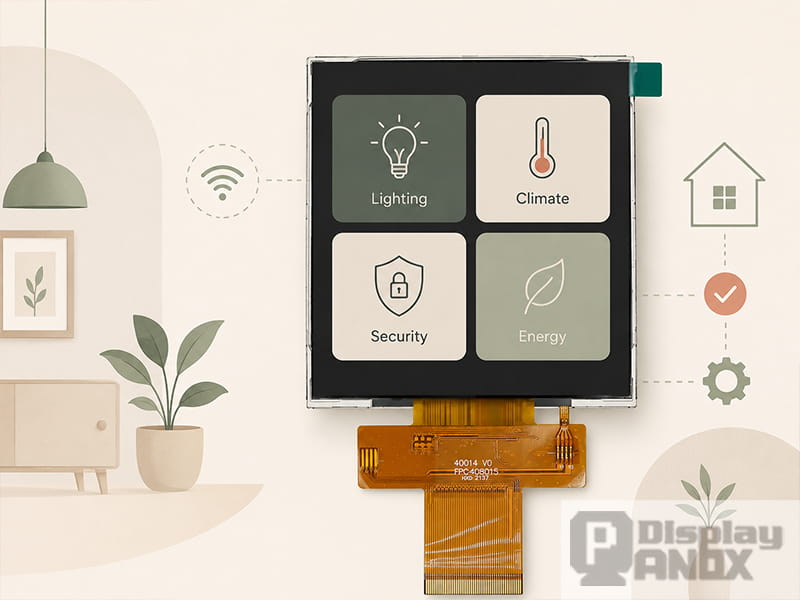
4.0 inch Square LCD Display 480x480 for Smart Home
For smart home devices and compact control panels, square TFT-LCD panels remain very practical. LCD technology offers mature supply, stable brightness options and familiar driving methods. In products where the interface is always visible, where the background may be bright, or where cost and supply stability matter, a square LCD can be a strong choice.
A 4.0 inch 480×480 square LCD is a good example. This size is large enough for a clear smart home interface, while still compact enough for a wall panel or small control device. A 480×480 pixel matrix can display icons, labels, temperature values and status cards comfortably. With high brightness and RGB interface support, this type of panel is suitable for smart home control panels, medical devices, portable information devices and electronic locks.
Square LCDs are also useful when the UI uses bright backgrounds, static menus or long operating hours. Since an LCD uses a backlight, its power behavior is linked strongly to backlight brightness rather than the exact color of every pixel. That can make system power planning more predictable in some embedded products.
For engineers, interface support matters as much as the front image. RGB interfaces are familiar in many embedded systems, while MIPI displays can support higher resolution with fewer signal lines. The right choice depends on the processor, PCB layout, development schedule and display resolution.
Square OLED Screens Make Sense for Wearable and Premium Compact Devices
Square OLED displays are attractive when a product needs high contrast, deep black UI and a thin visual appearance. Since OLED pixels emit light directly, dark backgrounds can look clean and rich. This makes OLED suitable for wearable products, compact consumer devices and interfaces that use dark themes with bright icons or text.
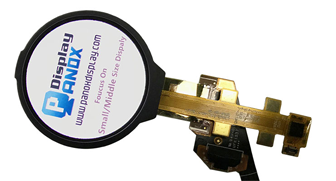
A 1.63 inch 320×320 OLED is a typical example of a compact square display for wearable-style products. The 1:1 aspect ratio supports watch-like UI, short notifications, activity cards and simple dashboard layouts. Its small active area also suits devices where the screen must be light, compact and visually sharp.
OLED selection should still be done carefully. Brightness, lifetime, UI color strategy, always-on behavior and operating temperature all matter. A dark interface with limited bright areas is usually a better match for OLED than a full-screen white interface that stays on for long periods.
For premium compact products, though, the visual advantage is obvious. A square OLED can make icons, numbers and dark UI elements feel crisp and high-end.
High-Resolution Square Screens Help VR and Specialized Optical Systems
Square screens also appear in VR, near-eye displays and optical modules. In these systems, resolution and pixel density become extremely important because the display may be magnified through lenses. A balanced pixel matrix can be useful for optical mapping, calibration and image symmetry.
A 2.9 inch 2160×2160 square TFT-LCD belongs to this high-resolution category. It serves a different purpose from a 480×480 smart home display. Here, the square screen is less about simple touch controls and more about pixel density, refresh rate, optical compatibility and driving bandwidth.
A 3.1 inch 720×720 TFT-LCD sits between these two worlds. It is compact, higher in pixel density than many basic small LCDs, and suitable for handheld devices, compact dashboards, development kits or embedded products that need more detail than a lower-resolution panel can provide.
This shows an important point: square screens are not limited to one market. The same 1:1 format can support simple control panels, wearable interfaces and high-resolution optical systems, depending on the display technology and specification.
Square Screens Can Improve Touch Interaction
Touch interaction benefits from predictable spacing. On a square screen, icons and buttons can be arranged with consistent size and distance. This helps users tap controls more comfortably, especially on small interfaces.
For smart home control, a 2×2 or 3×3 button layout often feels natural. For industrial HMI, large touch targets reduce the chance of incorrect operation. For wearable products, the screen is small enough that every button must be carefully placed. A square layout gives designers a clear structure for these decisions.
This is especially useful when the user may interact quickly, from an angle, or while moving. The display cannot rely on tiny text or crowded menus. A square screen encourages a more disciplined interface, with fewer elements and stronger hierarchy.
The Format Encourages Cleaner Product Design
A square screen also has a visual advantage: it feels intentional.
A compact product with a centered square display can look organized and modern. The format works well with rounded-square cover glass, minimal bezels and simple icon-based UI. In smart home and wearable markets, this can help the product feel more like a designed object and less like a generic electronic module.
The shape also gives brand designers a clear canvas. They can build consistent UI systems around tiles, cards, rings and centered values. This helps the product family feel coherent across different screen sizes.
For B2B products, appearance still matters. A display panel may be selected by engineers, but the final device is judged by users, buyers and brand teams. A square screen gives both engineering and design teams a practical common ground.
When Should You Choose a Square Screen?
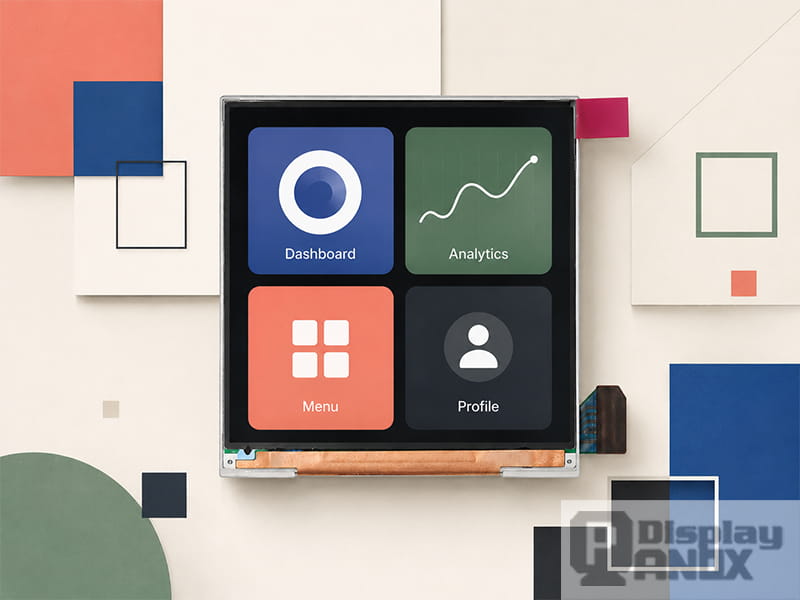
A square screen is a strong option when the device needs a compact front face, clear status display, balanced touch controls or dashboard-style UI. It is especially suitable when the screen is used for quick interaction rather than long reading or video playback.
It is a good fit for smart home panels, wearable products, compact industrial HMI, handheld instruments, access control terminals, medical devices, gaming accessories, VR modules and embedded development projects.
A rectangular screen may still be better for long lists, video content, keyboard-heavy interfaces or applications that naturally need portrait or landscape space. The shape should follow the product task. For compact control and status interfaces, square often makes the interface easier to organize and easier to use.
How to Select the Right Square Display Panel
The best way to select a square screen is to start with the product experience. What will the user see first? How far away will the screen be viewed? Will the user touch it? Will the interface stay on for long hours? Will the product be used indoors, outdoors, on the wrist, on a wall, or inside an optical system?
Once these questions are clear, the technical choices become more meaningful.
For a smart home panel, brightness, touch panel design, cover glass, viewing angle and interface compatibility are usually more important than extreme pixel density. A 4.0 inch 480×480 TFT-LCD can be a practical direction.
For a wearable device, thickness, contrast, power behavior and UI style become more important. A compact square OLED can be a better match when the interface uses dark backgrounds and high-contrast icons.
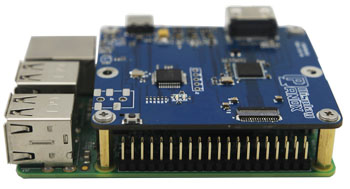
For a handheld or embedded device, the processor interface and development path matter. A 720×720 MIPI LCD with controller board support may shorten evaluation time and help engineers validate the UI faster.
For VR or near-eye applications, pixel density, refresh rate, response time and optical matching should lead the selection process.
A square screen should be chosen as part of the whole product system, including the display panel, touch structure, cover glass, connector, PCB, firmware and enclosure.
PanoxDisplay Square Screen Solutions
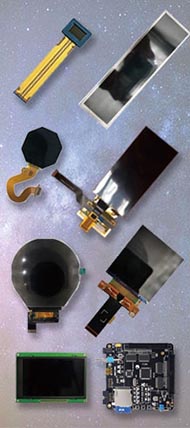
PanoxDisplay supplies square LCD and OLED display options for compact devices, smart home control, wearable products, handheld electronics, VR modules and embedded systems. Current square display directions include compact AMOLED panels, high-resolution square TFT-LCD panels, 720×720 MIPI LCD modules and 480×480 RGB LCD displays for smart home applications.
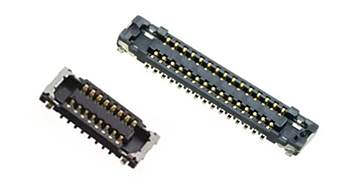
For early-stage projects, PanoxDisplay can support display evaluation, connector matching and controller board discussion. For product development, square display panels can be combined with customized cover glass, capacitive touch panel, optical bonding, FPC adjustment or driver board solutions according to the product structure.
Square display selection is rarely only about screen size. It is about making the display fit the product’s interface, mechanical structure and user experience from the beginning.
Conclusion
A square screen is useful because it matches the way many compact devices actually work. These products need quick reading, clear icons, balanced controls and a small front face. They do not always need a wide media display or a long scrolling interface.
The 1:1 format gives designers a stable canvas and gives engineers a practical display shape for compact structures. Whether the final product uses a square TFT-LCD or a square OLED, the value comes from the same idea: balanced visual space, efficient UI layout and better integration with small-device hardware.
For smart home panels, wearables, handheld devices, industrial HMI and VR systems, a square screen can make the product easier to design, easier to read and easier to use.
Learn more: What Is a Square Screen? A Practical Guide to Square Display Panels
FAQ
Why is a square screen good for compact devices?
A square screen gives balanced horizontal and vertical space, which helps compact devices show icons, values, menus and controls clearly. It is especially useful for dashboard-style interfaces and touch-based control panels.
Is a square screen better for smart home control panels?
A square screen is often a good choice for smart home panels because it supports clean icon grids, centered temperature values and quick control buttons. A 4.0 inch 480×480 square LCD is a practical size for wall-mounted smart home interfaces.
Why do some wearables use square screens?
Wearables often need to show time, activity data, notifications and short controls in a small area. A square screen gives more usable layout space for text and icons than many highly constrained shapes.
Is square OLED better than square LCD?
Square OLED is often suitable for wearable and premium compact products with dark UI and high contrast. Square LCD is often practical for smart home, HMI and embedded devices that need stable brightness, mature supply and familiar driving options. The better choice depends on the product scenario.
Can square screens be used for Raspberry Pi or embedded development?
Yes. Some square screens can be evaluated with controller boards or driven through MIPI, RGB or other embedded interfaces. The exact solution depends on the panel, resolution, controller board and host platform.
What resolution is common for square screens?
Common square screen resolutions include 320×320, 480×480, 720×720 and 2160×2160. Lower resolutions are suitable for simple UI, while high-resolution square screens are used for detailed dashboards, handheld devices or near-eye display systems.