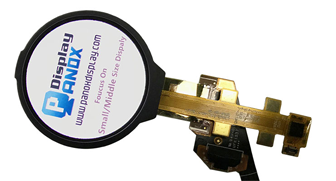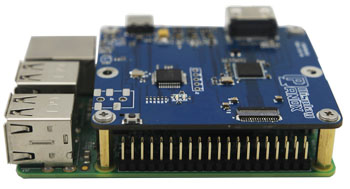







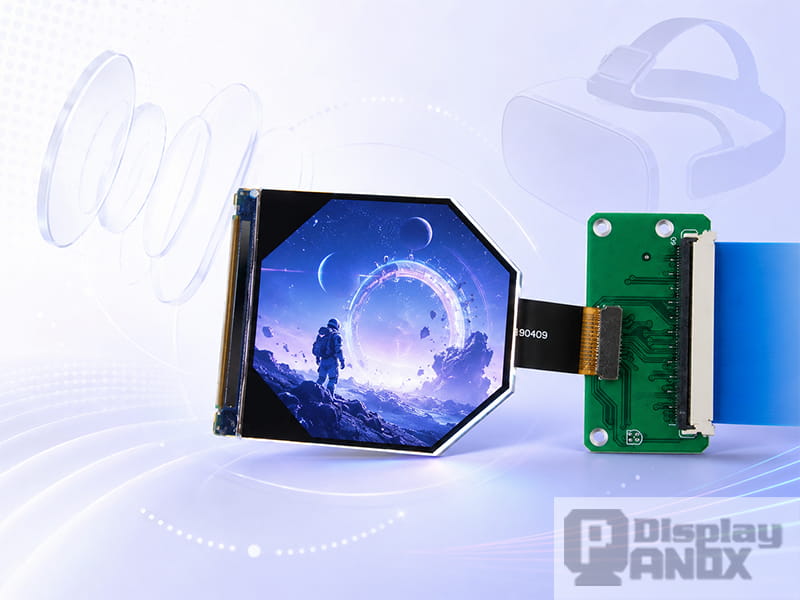
2.1 inch LCD 90 Hz For VR HDMI Board
In a VR headset, the display is one of the first components that decides whether the experience feels clear, smooth and believable. The lenses can enlarge the image, the processor can render the scene, and the tracking system can follow head movement, yet the final image still has to come from a physical display panel placed very close to the eyes.
This makes a display for VR very different from a normal small-size screen. In a phone, tablet or monitor, the user looks at the image from a comfortable distance. In VR, the display is magnified through optics and fills a much larger field of view. Any weakness in pixel density, refresh rate, response time, brightness, contrast or optical alignment becomes easier to notice.
For headset developers, choosing the right VR display panel is not just a component-level decision. It affects visual clarity, motion comfort, headset size, power consumption, optical design and the final user experience.
1. The Display Determines How Clear the Virtual World Feels
Clarity in VR depends on more than the total number of pixels. A headset display is viewed through lenses, so the perceived sharpness is closely related to how many pixels are available within each degree of the user’s field of view. This is often discussed as pixels per degree, or PPD.
A display with higher resolution can improve detail, but the result also depends on field of view, lens magnification and optical quality. If a wide field of view spreads limited pixels across a large visual angle, the image may look soft even when the panel resolution sounds high on paper.
This is why high-PPI panels are especially important for VR. Fine text, interface icons, small instrument data and distant scene details all need enough pixel density to remain readable after optical magnification. In professional applications such as simulation, training, medical visualization and industrial inspection, clarity is often more important than visual excitement.
A well-selected display for VR helps reduce visible pixel structure, improves the sense of depth, and makes virtual environments easier to read and trust.
2. The Display Affects Motion Comfort
VR is highly sensitive to motion. When users turn their head, the image must update quickly and consistently. If the display refreshes too slowly or the system cannot deliver frames in time, the user may notice judder, flicker, blur or delayed motion.
Refresh rate is therefore a key specification for VR display panels. Many VR systems use 90Hz as a practical baseline, while 120Hz can be useful for fast-motion scenes, gaming, training simulators and other applications where motion smoothness matters.
However, refresh rate alone does not solve every motion issue. Pixel response time, display persistence, frame timing and system latency also matter. A panel may support a high refresh rate, but if the image remains visible for too long during each frame, motion blur can still appear during head movement.
A suitable VR display should support fast image updates and stable temporal performance. This helps the virtual world feel more connected to the user’s movement.
3. The Display Contributes to Lower Latency
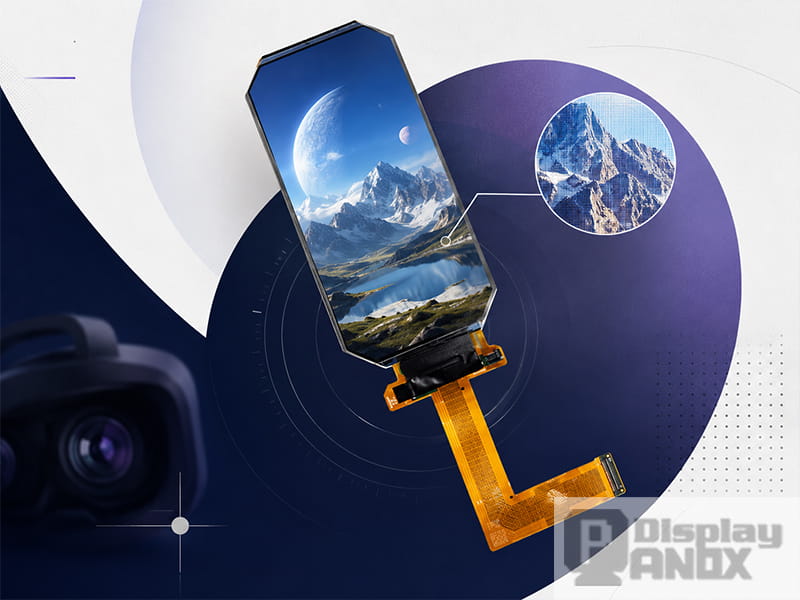
5.5 inch LCD 4K Resolution For Oculus VR
Latency in VR usually refers to the delay between a user’s motion and the corresponding visual update. The full system includes sensors, tracking, rendering, image transmission and display emission. The display panel is only one part of that chain, but it is an important part.
A slower display can increase perceived delay or make motion artifacts more visible. A fast panel with proper driving can help the system present updated images more quickly and consistently.
For developers, this means the display should be evaluated together with the graphics pipeline and controller board. A VR headset is not judged by a single datasheet value. The real question is whether the complete system can deliver stable motion-to-photon performance in actual use.
4. High Pixel Density Reduces the Screen-Door Effect
The screen-door effect happens when the user can see the gaps or structure between pixels. It is especially common in near-eye systems because the display is magnified by lenses.
High pixel density helps reduce this effect. It makes the image look more continuous and improves the perception of realism. A panel such as a 2.1 inch LCD with 1600×1600 resolution and high PPI can be valuable for compact near-eye display development, because it gives the optical system more pixel information in a small active area.
For VR, square or near-square panels are also useful because each eye often needs a balanced image area. This is why many VR-focused displays use resolutions such as 1440×1440, 1440×1600, 1600×1600 or 2160×2160.
5. Contrast and Black Level Shape Immersion
Immersion is not only about field of view. The display’s contrast, black level and color performance also shape how convincing the virtual scene feels.
OLED and AMOLED panels are strong in contrast because each pixel emits its own light. Dark scenes can look deeper, bright objects can stand out more clearly, and the overall image can feel more vivid. This is useful for virtual theaters, gaming, simulation, night scenes and other immersive visual applications.
TFT-LCD panels can also be a practical choice for VR, especially when the project needs stable supply, mature manufacturing, high resolution, larger sizes or cost control. Fast LCD panels with high PPI and suitable backlight control can support many VR and near-eye applications.
The right choice depends on the headset target. A premium immersive headset may prioritize contrast and response. A development kit or professional simulator may prioritize resolution, availability, interface support and cost efficiency.
6. Brightness Must Be Considered After the Optical Path
A VR display does not send light directly to the viewer’s eyes in the same way as a phone screen. The image passes through lenses, and some brightness is lost in the optical path. The panel may look bright during bench testing, then appear less bright after it is assembled inside the headset.
This is why brightness should be checked inside the real optical structure. Lens efficiency, field of view, cover glass, polarizers and mechanical design can all affect final perceived brightness.
For many VR headsets, the display must provide enough brightness for comfortable viewing while avoiding excessive power consumption and heat. This balance becomes important in wearable systems where size, weight and thermal design are limited.
7. The Display Influences Headset Size and Optical Design
Panel size affects headset structure. A larger display may make certain optical designs easier, while a smaller high-PPI panel can support a more compact near-eye module.
The display also affects lens selection, focal distance, distortion correction and mechanical layout. A panel designed for VR or near-eye use can make integration easier because its size, resolution, interface and active area are more suitable for headset development.
For example, a compact 2.1 inch high-PPI LCD can support small near-eye display modules. A 2.9 inch 2160×2160 LCD can support high-resolution optical evaluation. A 3.5 inch 1440×1600 LCD or AMOLED can be useful for binocular VR headset development. A larger 5.46 inch high-resolution LCD can support optical testing or headset architectures that require a larger active display area.
8. Interface and Driving Support Matter in Real Development
Many VR display panels use MIPI interface because it is common in compact display systems. MIPI is suitable for high-resolution small panels, but it also requires proper hardware design and signal control.
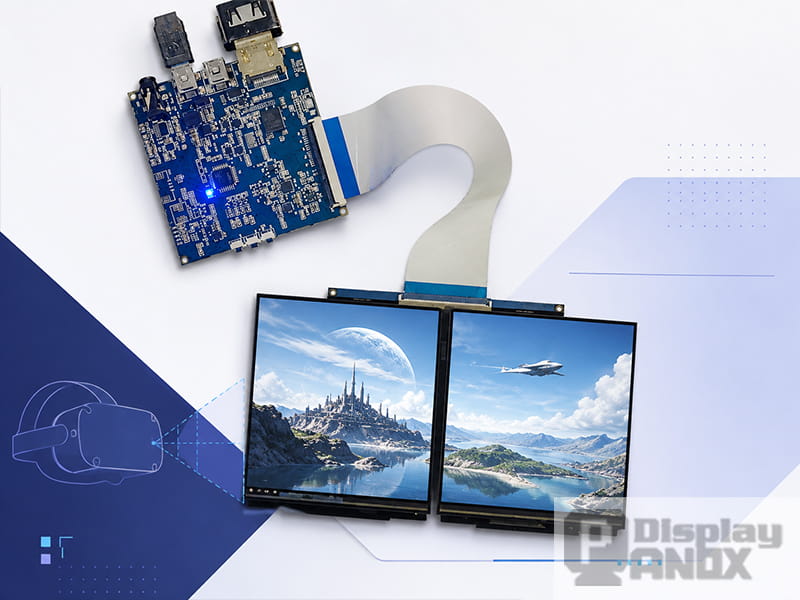
For early-stage development, controller boards can reduce testing difficulty. An HDMI, DP, Type-C or other video-input board can help engineers evaluate the display image, lens path, brightness, color and mechanical fit before building a fully customized driving system.
This is important because VR product development usually goes through several stages: panel selection, optical verification, prototype testing, hardware integration, thermal testing and final module optimization. A display supplier that can support panels, connectors, cover glass, touch panels and driver boards can make the development process smoother.
9. Why Ordinary Mobile Displays May Not Be Enough
Some early VR prototypes use mobile phone displays because they are easy to source and relatively affordable. This can work for simple proof-of-concept testing, but it often creates limitations.
A mobile display is usually designed for handheld viewing distance. A VR headset magnifies the panel and asks more from its pixel density, refresh rate, response behavior and optical compatibility. If the panel was not selected for near-eye use, the final headset may suffer from visible pixels, blur, unsuitable interface requirements or mechanical integration issues.
A dedicated display for VR gives developers a better starting point. The panel is selected around near-eye optical needs, and the specifications can be matched more carefully with the final headset structure.
10. Panox Display Options for VR Development
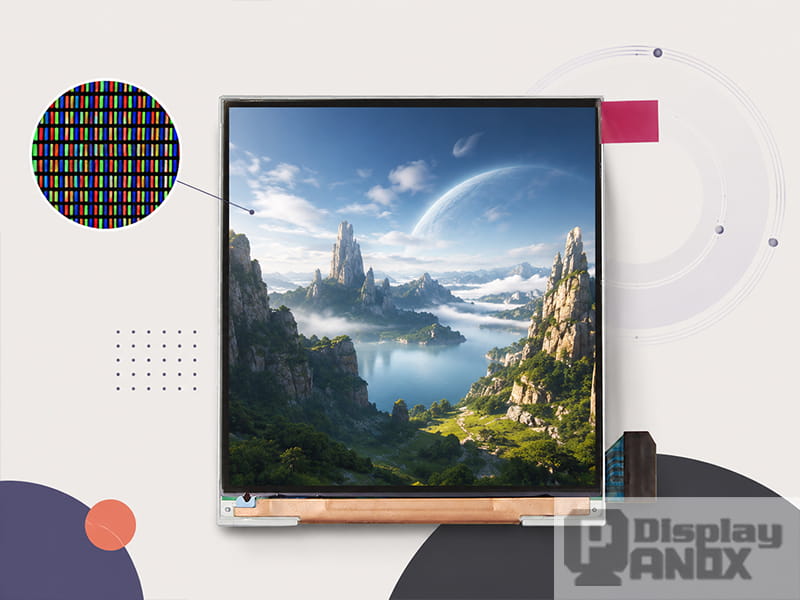
Panox Display supplies LCD and OLED display panels that can support different VR and near-eye display projects.
For compact high-PPI development, a 2.1 inch LCD with 1600×1600 resolution and 1058 PPI can be considered for near-eye optical modules. For fast motion requirements, a 2.9 inch TFT-LCD with 1440×1440 resolution and 120Hz refresh rate can support smoother visual updates. For higher resolution evaluation, a 2.9 inch 2160×2160 LCD provides a strong square-format option for VR optical testing.
For binocular headset structures, 3.5 inch 1440×1600 LCD and AMOLED panels offer two different development directions. The LCD option can be practical for stable high-resolution VR modules, while the AMOLED option is useful when higher contrast, deeper blacks and faster pixel response are important. For larger optical systems, a 5.46 inch 1920×3664 TFT-LCD can support high-resolution VR display architecture and testing.
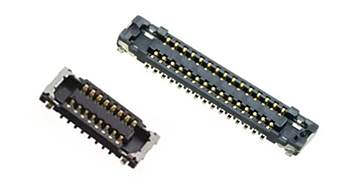
Panox Display can also support related customization, including connectors, cover glass, touch panels and controller or driver boards. For engineers working on prototypes, this makes it easier to test the panel before moving into deeper hardware integration.
11. How to Evaluate a Display for VR
A good VR display should be tested in the system, not only on a desktop bench. Developers should look at the panel through the actual lens design and evaluate whether the image remains sharp, bright and stable across the usable field of view.
The following points are worth checking during selection:
| Evaluation Area | Why It Matters for VR |
|---|---|
| Resolution and PPI | Affects clarity, text readability and visible pixel structure |
| PPD after optics | Shows how sharp the image feels within the field of view |
| Refresh rate | Affects motion smoothness, flicker and comfort |
| Response time and persistence | Affects blur, ghosting and fast-motion clarity |
| Brightness after lens loss | Determines whether the image remains comfortable inside the headset |
| Contrast and black level | Affects depth, realism and visual impact |
| Interface and controller support | Affects prototype speed and integration difficulty |
| Mechanical fit | Affects headset size, lens distance and module structure |
| Supply stability | Affects whether the project can move from prototype to production |
The best choice is usually the panel that matches the full headset design, not the one with the highest number in a single specification.
12. Conclusion
A display for VR is important because it controls the visual foundation of the headset. It affects how sharp the image looks, how smooth motion feels, how immersive the virtual scene becomes, and how easily the display can be integrated into the optical and electronic system.
For VR headset developers, the display should be selected with resolution, PPI, refresh rate, response time, brightness, contrast, interface and optical compatibility in mind. A well-matched panel can shorten the development cycle and improve the final user experience.
Panox Display provides multiple LCD and OLED display options for VR and near-eye display projects, from compact high-PPI panels to high-refresh LCD and high-contrast AMOLED solutions. Whether the project is a prototype, optical evaluation system or customized headset module, the right display panel is the starting point for a better VR product.
Learn more: What Is a VR Display Panel? How to Choose the Right Display for VR Headsets
FAQ: Display for VR
Why is the display so important in VR?
The display is the source of the final image seen by the user. Since VR lenses magnify the panel and place the image close to the eyes, display quality directly affects clarity, motion comfort, immersion and visual fatigue.
What refresh rate is suitable for VR?
Many VR systems use 90Hz as a strong baseline. For fast-motion content, 120Hz can provide smoother updates, especially when the rendering system can match the display refresh rate.
Is OLED better than LCD for VR?
OLED offers strong contrast, deep black levels and fast response. LCD can offer stable supply, high-resolution options, mature manufacturing and cost advantages. The better choice depends on the headset design, target price, optical system and application.
Why does PPI matter more in VR than in normal displays?
VR lenses enlarge the screen. Low pixel density can make pixel structure more visible, while high PPI helps improve image continuity and text clarity.
Can Panox Display support VR display prototypes?
Yes. Panox Display supplies VR-related LCD and OLED panels and can support related development needs such as connectors, cover glass, touch panels and controller or driver boards.