






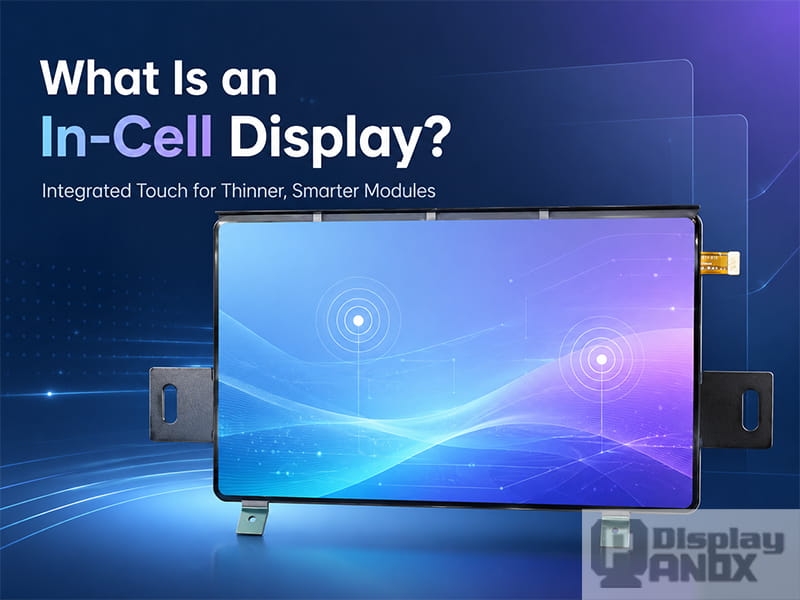
When engineers choose a display for a wearable device, handheld terminal, AR/MR prototype, automotive interface or compact industrial product, the panel specification is only part of the story. Brightness, resolution and interface matter, of course. The touch structure matters just as much.
An In-Cell display integrates the touch-sensing function into the display panel structure, so the module can deliver both image output and touch input with fewer separate layers. In many compact devices, this helps reduce thickness, simplify mechanical design and improve the optical path between the pixels and the cover glass.
The term is widely used in LCD, OLED and flexible AMOLED product discussions. The exact stack-up can vary by panel maker, so a buyer should always check the datasheet, FPC layout, touch interface and cover glass requirements before final design confirmation. In display engineering, “In-Cell” describes the touch integration architecture, while “LCD”, “OLED” and “AMOLED” describe the display technology itself.
What Does In-Cell Mean?
In a conventional touch display module, the display panel and the touch sensor are separate functional layers. A typical stack may include the display panel, adhesive, a projected capacitive touch sensor layer, another adhesive layer and the cover glass. This approach is mature and flexible, especially when the customer needs a customized touch sensor.
In an In-Cell structure, touch electrodes are built into the display cell or reused from existing display layers. For LCD panels, Synaptics describes the display cell as the area from the TFT glass to the color filter glass, including TFT circuitry, liquid crystal material and color filter. In-Cell sensors may use existing display layers such as the common electrode, also called the VCOM layer, together with metal interconnect layers. Synaptics also distinguishes between hybrid In-Cell, where only part of the touch structure is inside the cell, and full In-Cell, where both transmitting and receiving touch sensor layers are within the cell.
For OLED and flexible AMOLED modules, the term is often used by panel suppliers to describe a built-in projected capacitive touch solution integrated into the panel/module structure. In procurement work, the safest method is simple: check whether the module already includes touch, whether it needs a separate touch FPC, what touch controller or touch interface is used, and whether only a cover glass is required on top.
How In-Cell Touch Works
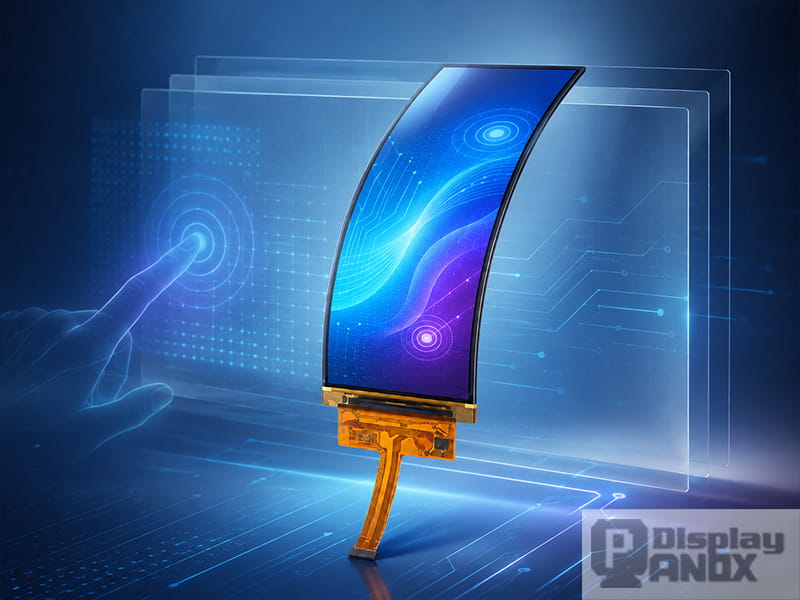
Most In-Cell touch displays use projected capacitive touch, commonly shortened to PCAP. A PCAP system detects changes in capacitance when a finger or conductive stylus approaches the surface. In mutual-capacitance touch screens, the controller measures the capacitance at intersections between transmitting and receiving electrodes, which helps identify touch points accurately and supports multi-touch operation. A classic Information Display article explains that mutual-capacitance structures measure electrode intersections individually and are widely used for unambiguous multi-touch sensing.
In a separate touch panel, the sensor has more physical distance from the display electronics. In an In-Cell display, touch sensing and display driving share a much tighter electrical environment. That brings benefits, and it also raises the bar for signal design. Display noise, parasitic capacitance, timing coordination and electrode resistance all need careful control.
This is why many mobile display systems use touch and display driver integration, often called TDDI. In a TDDI solution, the touch controller and display driver functions are coordinated, sometimes within a single IC architecture. Synaptics notes that full In-Cell designs can require only one FPC for both display and touch, and that synchronized operation helps reduce display noise interference with touch sensing.
In-Cell vs On-Cell vs OGS vs External PCAP
The names can feel similar at first, especially when suppliers use them loosely. The difference is mainly about where the touch sensor sits in the display stack.
| Touch structure | Where the touch sensor is located | Typical strengths | Typical limits |
|---|---|---|---|
| External PCAP / Add-on touch | A separate touch panel laminated above the display | Flexible customization, mature process, easy to match different displays | Thicker stack, more interfaces, higher optical loss |
| OGS / Sensor-on-Lens | Touch sensor built on the cover glass | Thinner than separate glass-film touch, good optical performance | Cover glass design becomes part of touch design, repair and customization can be more constrained |
| On-Cell | Touch sensor built on top of the display cell | Common in AMOLED, suitable for many flexible and larger display designs | Slightly less integrated than full In-Cell |
| In-Cell | Touch sensor integrated inside the display cell or built into the panel structure | Thin module, fewer layers, cleaner optical path, compact FPC design | Higher manufacturing and signal-design complexity |
Synaptics classifies Sensor-on-Lens as an OGS approach, On-Cell as touch sensing on top of the display cell, and In-Cell as an integration where touch sensors use layers inside the display cell.
Why Use an In-Cell Display?
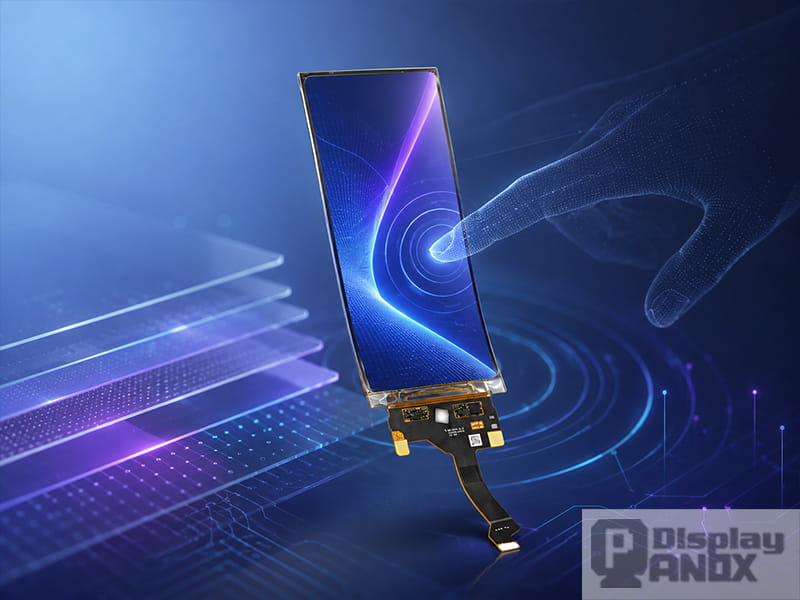
The first reason is thickness. Removing a separate touch sensor layer reduces the total module stack. This matters in smartphones, smartwatches, foldable products, AR/MR auxiliary displays and compact handheld devices where every fraction of a millimeter competes with the battery, housing, thermal structure and optical assembly.
The second reason is optical performance. Fewer layers mean fewer optical interfaces. In LCD systems, removing a separate touch sensor layer can also reduce light attenuation. Synaptics reports that In-Cell TDDI displays can be about 10 percent brighter, or can achieve the same brightness with lower backlight power, compared with designs that use a separate touch sensor layer.
The third reason is mechanical simplicity. A built-in touch panel may allow a product developer to add only the cover glass, instead of designing a separate touch sensor. Panox Display makes the same practical point in its product FAQ: when a display already has On-Cell or In-Cell touch, the customer generally only needs to add cover glass; when it does not, an external touch panel is required.
The fourth reason is integration. In a full In-Cell design, display and touch signals can be routed through a more compact architecture. That can reduce FPC count, support narrower bezels and simplify the module interface. For products with tight internal space, that small mechanical saving often decides whether a design feels elegant or crowded.
Engineering Challenges Behind In-Cell Displays
In-Cell technology looks simple from the outside: touch is already built into the display. Inside the panel, the engineering is anything but casual.
Touch electrodes must be placed where they can sense a finger clearly while keeping display quality stable. Electrode resistance and capacitance need control, especially in larger or higher-resolution panels. Adhesion, metal oxidation, ESD protection, shielding and routing all influence yield and long-term reliability. Display switching can also affect touch capacitance, so engineers often need to tune sensing timing, filtering and firmware parameters.
Academic and industry research confirms that these are real engineering concerns. A 2012 Journal of the Society for Information Display paper discussed an In-Cell capacitive touch sensor integrated into a 7-inch LTPS WSVGA TFT-LCD. A 2015 SID paper reported advanced In-Cell touch development for 15.6-inch FHD notebook displays and 7-inch WVGA automotive displays with 2 mm glove touch support.
Noise management is especially important in AMOLED and high-refresh-rate displays. A 2021 Micromachines paper explains that high-refresh-rate AMOLED panels can generate stronger display interference on touch screen panel electrodes, degrading signal-to-noise ratio during mutual-capacitance sensing. A 2022 Micromachines paper also presents a readout architecture for touch panels integrated with ultrathin flexible displays, focusing on display noise interference in a tightly integrated stack.
For buyers, this means an In-Cell module should be evaluated as a complete display-touch system. A beautiful panel still needs stable touch response after cover glass, housing, grounding, firmware settings and operating environment are added.
When Should You Choose an In-Cell Display?
An In-Cell display is usually a strong choice when the product needs a thin display stack, clean front design and built-in touch. It works especially well when the existing module size, resolution, interface and mechanical outline already match the product concept.
For smartwatches and wearables, In-Cell helps keep the module slim while maintaining a bright, direct visual experience. For mobile devices and handheld products, it supports thinner housings and fewer assembly layers. For AR/MR prototypes, it can be useful in compact control displays, optical modules or auxiliary user interfaces where space is limited. For automotive and industrial devices, In-Cell can reduce stack complexity, although cover glass thickness, glove touch, EMI and wide-temperature performance need careful verification.
A separate touch solution may still make sense when the project requires a highly customized touch shape, special cover lens thickness, very specific glove or wet-touch behavior, or a repairable modular architecture. The best choice depends on the whole system, not a single feature line in the datasheet.
In-Cell Display Options from Panox Display
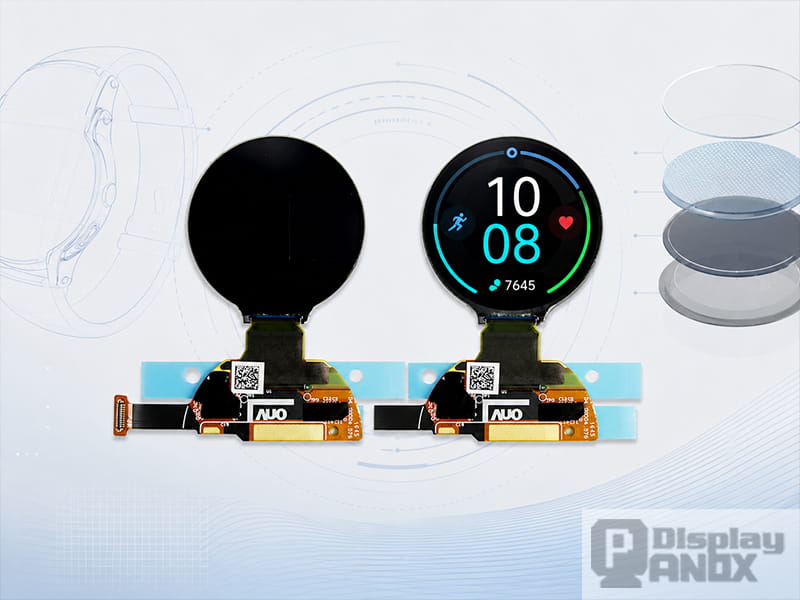
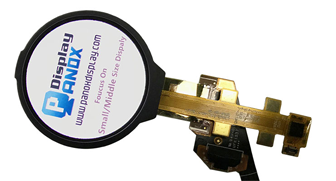
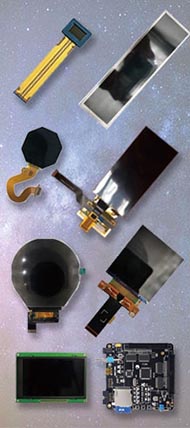
Panox Display’s In-Cell tag currently includes five compact and flexible OLED/AMOLED-related products, ranging from a 1.2-inch round wearable display to an 8.01-inch foldable AMOLED panel. The tag page lists these products across applications such as smartwatch, mobile phone, long-strip display, AR/VR-related use and flexible display development.
| Panox Display module | Key specifications | Typical project direction |
|---|---|---|
| 1.2-inch Round AMOLED for wearable smartwatch | 390 × 390 resolution, AMOLED, SPI/MIPI, AUO panel, 350 cd/m² typical luminance, 1:1 round display format | Smartwatch, wearable device, compact instrument UI. The product page is tagged with In-Cell and round display features. |
| 5.99-inch Flexible AMOLED | 1440 × 2880 resolution, BOE flexible AMOLED, MIPI-DSI 4-lane, 495 cd/m² luminance, In-Cell touch panel | Smartphone development, AR/MR support display, vehicle or handheld visual interface. |
| 6.52-inch Flexible OLED Touch Panel | 2520 × 840 resolution, 407 PPI, CSOT panel, MIPI, 430 cd/m² luminance, 90 Hz refresh rate, In-Cell touch panel | Long-strip display, curved/wraparound design, AR/MR, vehicle or advanced handheld product. |
| 6.67-inch Flexible AMOLED | 1080 × 2400 resolution, Tianma panel, 700 cd/m² typical luminance, 1 ms response, In-Cell PCAP | Smartphone display projects, slim handheld terminals and high-brightness flexible OLED evaluation. |
| 8.01-inch Flexible/Foldable AMOLED | 2480 × 1860 resolution, CSOT foldable AMOLED, MIPI 4-lane display interface, SPI touch, 600 nits, In-Cell PCAP | Foldable device prototypes, tablet-like compact products, flexible display demonstration and advanced mobile concepts. |
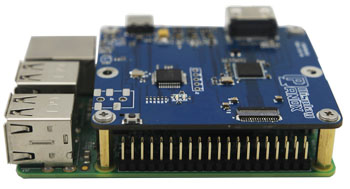
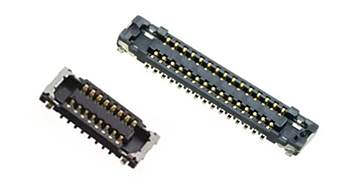
Panox also supports related integration work such as customized cover glass/touch panels and controller/driver boards. For projects that need quick testing, Panox product pages often mention HDMI or Type-C controller board options, along with connectors, adapter boards and technical documents such as datasheets, drawings, IC information and circuit schematics.
Procurement Checklist for In-Cell Display Modules
Before moving from sample evaluation to product design, confirm the following points with your supplier.
First, check the touch structure. Ask whether the module is full In-Cell, hybrid In-Cell, On-Cell or another integrated touch structure. Also check whether touch signals use the same FPC as the display or a separate FPC.
Second, confirm the interface. Many compact AMOLED modules use MIPI for display. Touch may be integrated internally, routed through SPI/I2C or handled by a separate controller depending on the module. The datasheet and FPC drawing are more reliable than a short product title.
Third, define the cover glass early. Cover glass thickness, material, coating, printing area and bonding method can influence touch sensitivity. If the product needs AG/AR/AF coating, high impact strength, curved cover glass or waterproof structure, the touch performance should be tested with the real cover lens.
Fourth, test in the real environment. Bright lab conditions do not reveal every issue. Check sunlight readability, low-temperature behavior, high-temperature operation, EMI, charger noise, glove touch and wet-hand touch if the end product requires them.
Finally, request a full support package. A useful display sample should come with a datasheet, mechanical drawing, connector information, initial code when available, recommended driving method and a practical test board option. This saves much more time than the lowest sample price.
Conclusion
In-Cell display technology is valuable because it brings touch sensing closer to the display itself. The result can be a thinner module, cleaner optical path, simpler mechanical stack and more compact signal routing. For wearables, smartphones, foldable devices, AR/MR equipment and slim industrial products, those advantages are often worth serious consideration.
At the same time, In-Cell is a system-level choice. Touch performance depends on panel design, controller capability, firmware tuning, cover glass, grounding and the final product environment. The smartest approach is to choose a module that already fits your size, resolution and interface needs, then test it with the real cover glass and housing structure as early as possible.
Panox Display supplies small and medium-size OLED/LCD modules, including flexible AMOLED and In-Cell touch display options. If you are developing a compact device and need a thinner touch display module, start with the In-Cell product list, then confirm the datasheet, FPC layout, controller board and cover glass plan before moving into mechanical design.
FAQ: In-Cell Displays
Is an In-Cell display the same as an OLED display?
In-Cell describes how the touch function is integrated. OLED describes how the display creates light. A product can be an In-Cell LCD, an In-Cell AMOLED or a flexible OLED module with integrated touch, depending on the panel structure and supplier terminology.
Does In-Cell improve sunlight readability?
It can help, because fewer layers can reduce optical loss and internal reflections. Actual outdoor performance still depends on luminance, contrast ratio, polarizer design, cover glass coating, bonding quality and the final enclosure.
Can an In-Cell touch panel be customized?
The cover glass can usually be customized. The touch sensor pattern inside the panel is much harder to change because it is part of the display manufacturing process. For projects that need a special touch area, unusual button layout or thick protective glass, an external PCAP touch panel may be easier to customize.
Is In-Cell better than On-Cell?
Both are useful. In-Cell is attractive for ultra-thin and highly integrated modules. On-Cell can be easier to manufacture and is widely used in AMOLED and flexible displays. The better option depends on thickness target, touch performance, panel availability, yield, cost and the mechanical design of the final product.
Does In-Cell support multi-touch?
Most modern In-Cell touch displays are based on projected capacitive sensing and can support multi-touch when the controller and firmware are designed for it. For glove touch, stylus support or wet operation, confirm the exact performance with samples.